Direct Permissions, No Groups
KC Star V9 Simplified's schema is four permission tables and five seeded personas - full access, online-only, store-only, delivery-and-quotes, commission-only. GetFilteredSalesData takes an employee and returns exactly their slice. Permissions you can read in one table.
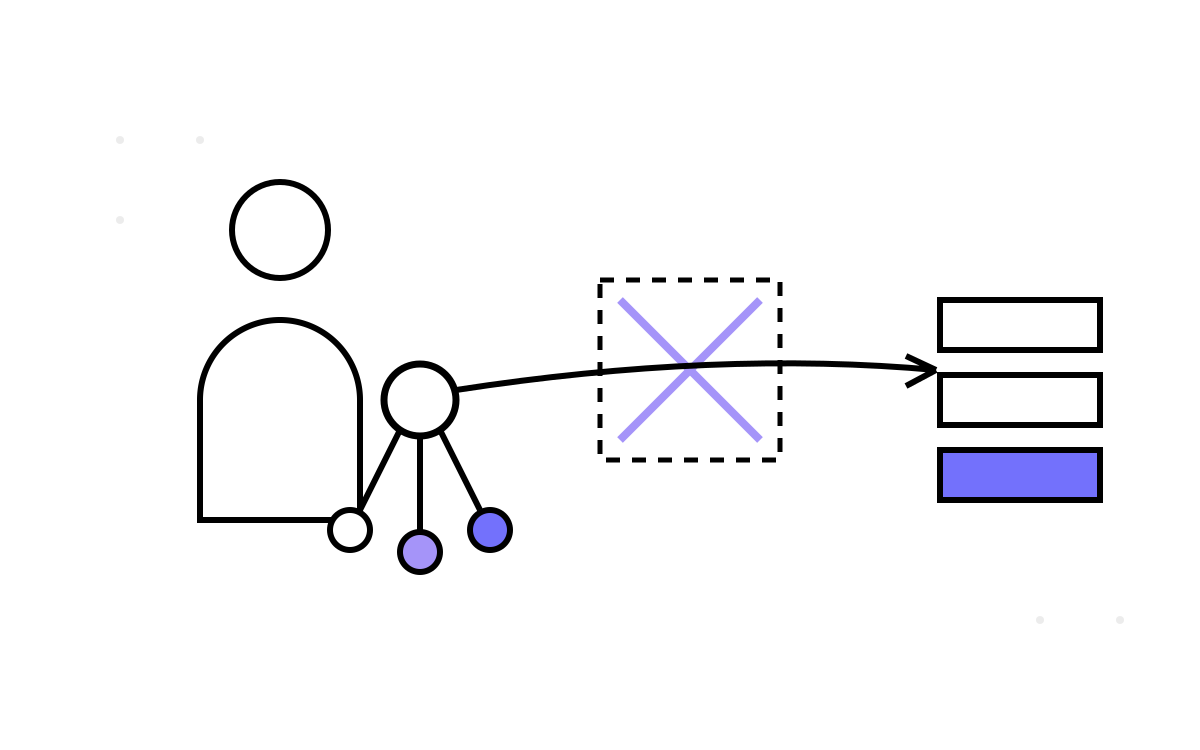
Deleting the group machinery leaves something you can hold in your head: four permission tables, five example people, and one function that turns a person into their allowed slice of the data. This post is that schema up close — what survived the simplification, the five personas that make it concrete, and GetFilteredSalesData, which is the whole permission model expressed as a single call. The pitch of V9 Simplified is that you can read someone's permissions in one table, and here is what that actually looks like.
The whole permission schema
Where V9 had eight-plus permission tables, V9 Simplified has four, and only two of them carry state:
CREATE TABLE PermissionTypes (
    PermissionTypeId SERIAL PRIMARY KEY,
    PermissionName VARCHAR(100) UNIQUE
);
-- 8 types: ViewAllSales, ViewOnlineSales, ViewStoreSales, ViewDeliveryData,
--          ViewCommissionData, ViewQuotedData, ViewOverallMetrics, ViewSaleTypeMetrics

CREATE TABLE EmployeePermissions (
    PermissionId SERIAL PRIMARY KEY,
    EmployeeId INT,
    PermissionTypeId INT REFERENCES PermissionTypes(PermissionTypeId),
    HierarchyLevel VARCHAR(50),
    FilterConditions JSONB,          -- e.g. {"SaleType":"Online"}
    Action VARCHAR(50),
    UNIQUE(EmployeeId, HierarchyLevel, PermissionTypeId, Action)
);
Plus HierarchyLevels (carried over from V6) and a PermissionCalculationCache that part 4 covers. That is the entire authorization model. To know what an employee can see, you read one table — EmployeePermissions — filtered to their id. No group lookup, no mapping join, no indirection. The eight permission types are specific and legible: ViewAllSales, the channel-specific ViewOnlineSales / ViewStoreSales, the data-specific ViewDeliveryData / ViewCommissionData / ViewQuotedData, and the metric-level ViewOverallMetrics / ViewSaleTypeMetrics.
The FilterConditions JSONB is where nuance lives without new tables. An employee restricted to online sales does not need a StoreSalesRep-style group — they get a ViewOnlineSales permission with FilterConditions = '{"SaleType":"Online"}'. The channel scoping that V9 needed a whole group-and-mapping structure for is here just a JSONB value on the grant row.
Five personas make it concrete
The seed data defines five employees, and reading their permissions is reading the model:
- Employee 1 — full access. Holds
ViewAllSales; sees everything. - Employee 2 — online only. Holds
ViewOnlineSaleswithFilterConditions = '{"SaleType":"Online"}'. - Employee 3 — store only. The mirror:
ViewStoreSales, store-scoped. - Employee 4 — delivery and quotes. Holds
ViewDeliveryDataandViewQuotedData, but not commission. - Employee 5 — commission only. Holds
ViewCommissionDataand nothing else.
Five people, five clearances, and you can see each one's entire access by reading their rows in EmployeePermissions. Compare that to reconstructing a V9 employee's access, which meant: find their group assignment, look up the group's mappings, resolve the mappings to permissions, apply the group's filter conditions. Here it is one SELECT ... WHERE EmployeeId = 5. The simplification is not abstract; it is the difference between a four-join reconstruction and a single-table read.
GetFilteredSalesData: the model in one call
The function GetFilteredSalesData takes an employee and returns exactly the sales data they are permitted to see — the entire permission model expressed as a single call:
SELECT * FROM GetFilteredSalesData(1);  -- Employee 1: ViewAllSales → everything
SELECT * FROM GetFilteredSalesData(2);  -- Employee 2: ViewOnlineSales → Online rows only
SELECT * FROM GetFilteredSalesData(3);  -- Employee 3: ViewStoreSales → Store rows only
Internally it does two kinds of filtering, driven by the caller's direct permissions. It row-filters: if the employee has ViewAllSales, all rows; if ViewOnlineSales, only SaleType = 'Online' rows; if ViewStoreSales, only 'Store'. And it column-masks the aggregate measures behind the metric permissions — ViewSaleTypeMetrics and ViewOverallMetrics gate whether the rolled-up columns are populated. So Employee 2 gets online rows with whatever metrics they are cleared for; Employee 5 gets commission data and little else.
The three calls above return three visibly different result sets from the same underlying data, and the only thing that changed is the employee id. That is permission-aware analytics with the entire mechanism readable in one function and one table — no groups to trace, no cache to reason about, no per-employee-versus-per-group path to choose between.
Row filtering and column masking, distinguished
It is worth separating the two filtering modes because they protect different things. Row filtering controls which sales you see — a store rep should not see online sales at all, so those rows never appear. Column masking controls which measures you see on the rows you are allowed — you might see a sale but not its commission, so the commission column comes back masked. V9 Simplified does both from the same direct-permission check, and the next post is entirely about the column-masking half — a HasPermission call sitting inside the measure calculation itself.
Why this is enough
The honest question is whether direct permissions can do everything the groups did. For the common case, yes — anything a group expresses, you can express as direct grants on each member, and with only a handful of viewers the “redundancy” of not sharing a group definition is negligible. What you lose is management convenience at scale: with a thousand employees, changing a role's permissions means updating one group instead of a thousand grants. That is a real cost — but it is a cost that only bites at a scale most deployments never reach, and it is exactly the “very specific requirement” the README says should send you to V9 Complex.
For everyone else, permissions you can read in one table beat permissions you have to reconstruct through three. The simplicity is the feature. And the place that simplicity pays off most vividly is inside the measure calculations themselves, where a single HasPermission gate replaces the entire group-resolution dance — which is next.