One Compose File, Four Databases
KC Star's dev stack stands up PostgreSQL and SQL Server with the schema auto-loaded through V4, pgAdmin pre-wired to the servers, and one command to a working warehouse. Here is how the compose file, the init scripts, and the pgAdmin auto-registration fit together.
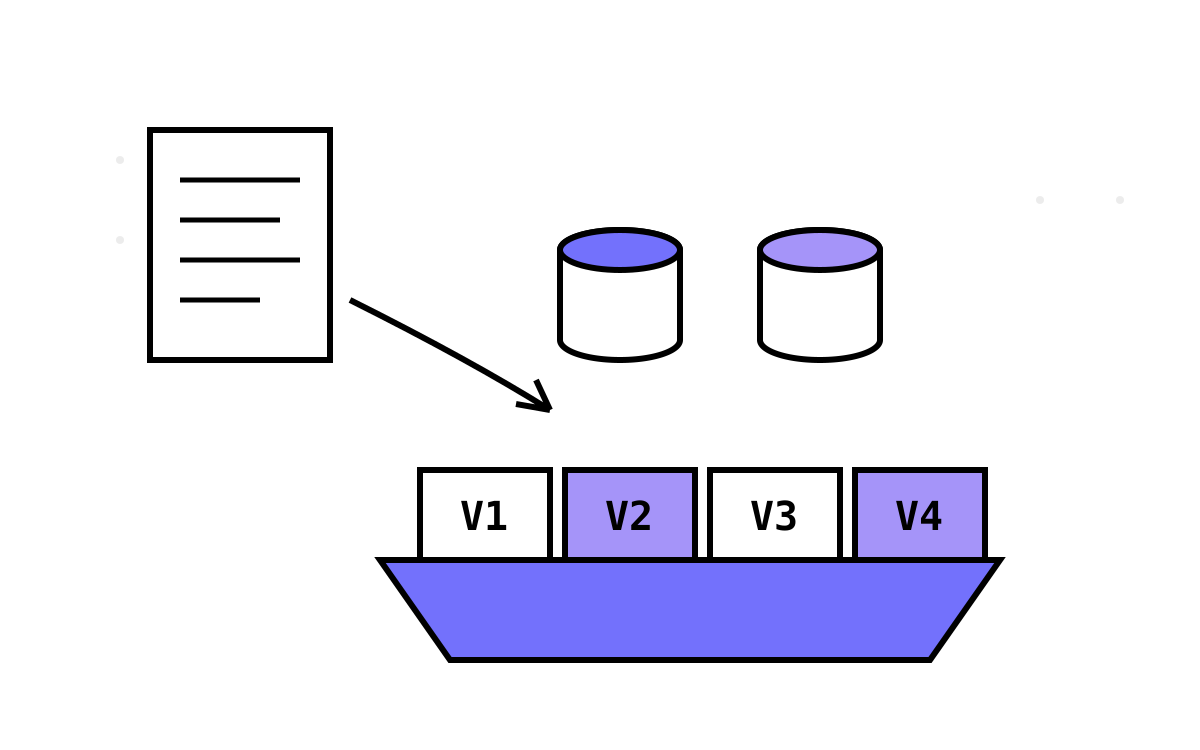
All the governance machinery in the world is useless if it takes an afternoon to stand the warehouse up. This post is the part of KC Star that gets you from git clone to a running, seeded, browsable warehouse in one command: a docker-compose stack that boots PostgreSQL and SQL Server, auto-loads the schema through V4, and pre-wires pgAdmin so the servers are already there when you open it. It lives in the V4 series because the container init scripts load exactly V1 through V4 — that band is the “everything works together” tier of the project.
Four services, one network
The compose file defines four services on a single bridge network:
- postgres —
postgres:15-alpine, port 5432, the primary engine. Its init args set UTF-8 with C collation, and a healthcheck runspg_isreadyso dependent services wait for it. - sqlserver —
mcr.microsoft.com/mssql/server:2022-latest, port 1433, running the T-SQL port of V1. - pgadmin —
dpage/pgadmin4:latest, port 8080, a browser UI for the PostgreSQL side. - adminer —
adminer:latest, port 8081, a lightweight UI aimed at the SQL Server side.
Named volumes (postgres_data, sqlserver_data, pgadmin_data) keep data across restarts. Every credential the stack uses — database users, passwords, the SA password, the pgAdmin login — comes from environment variables with development-only defaults, and I want to be explicit that these are dev defaults meant to be changed. I am not going to reproduce them here; a docker.env.example documents the variable names, the README says in plain words that they are not for production, and anything you actually deploy should supply its own secrets. Treat the checked-in values as placeholders, never as real credentials.
The init trick: PostgreSQL runs your SQL for you
The nicest piece of the stack is how the schema loads. The official postgres image runs any SQL or shell scripts it finds in /docker-entrypoint-initdb.d the first time a data directory initialises. So the compose file mounts the project's SQL straight in:
volumes:
  - ./PostgreSQL:/docker-entrypoint-initdb.d
  - ./docker/postgres/init:/docker-entrypoint-initdb.d/custom
A custom runner script orchestrates the load in the right order. It first enables the extensions the warehouse needs (pgcrypto for the SHA-256 hashing, uuid-ossp) and sets up the schema, then runs the versions in sequence:
-- 01-init-extensions.sql
CREATE EXTENSION IF NOT EXISTS pgcrypto;
CREATE EXTENSION IF NOT EXISTS "uuid-ossp";

-- 02-run-setup-scripts.sql (conceptually)
\i /docker-entrypoint-initdb.d/V1/09-setup-all.sql
\i /docker-entrypoint-initdb.d/V2/09-setup-all.sql
\i /docker-entrypoint-initdb.d/V3/09-setup-all.sql
\i /docker-entrypoint-initdb.d/DatabaseV4.sql
That is the “four databases” of the title: the automated container load installs V1 through V4, each in its own database. V5 through V9 exist in the repo but are not part of the auto-load — they carry heavier assumptions (multiple databases, cross-schema overlays, pg_cron) that do not belong in a one-command dev boot. If you want to explore V4's governance features against real seeded data, this stack hands them to you; the later versions are a deliberate manual step.
The SQL Server side mirrors the idea with sqlcmd's :r include directive, running TraditionalTables.sql, then CompleteDatabaseSetup.sql, then the trigger file — the V1-equivalent build, stood up automatically.
pgAdmin arrives pre-wired
The detail that makes the stack feel finished is that pgAdmin already knows about the servers when you open it. No “add new server,” no typing a hostname. That comes from mounting a servers.json into pgAdmin's config directory:
pgadmin:
  environment:
    PGADMIN_CONFIG_SERVER_MODE: "'False'"
  volumes:
    - ./docker/pgadmin/servers.json:/var/lib/pgadmin/servers.json
servers.json pre-defines the connections — a “KcStar PostgreSQL” server pointing at the postgres service on 5432, and a “KcStar V1 Database” pointing at the V1 database — grouped under a “KcStar Servers” folder. With SERVER_MODE set to False (desktop mode, no login gate), pgAdmin imports that file at startup and the servers appear pre-registered. Open the UI, expand the tree, and you are looking at the warehouse.
The repo also carries a couple of belt-and-braces alternatives — a Dockerfile that bakes servers.json in via a startup wrapper, and a standalone setup-servers.py that writes the same config — but the compose path uses the simple volume mount. One host, one connection file, servers pre-loaded.
One command
The scripts fold all of this behind a single entry point. On Windows, start.ps1 will even launch Docker Desktop if it is not running, wait for the daemon, copy docker.env.example to .env if you have not, bring the stack up, health-wait both databases, and print the connection details. There are bash equivalents (start.sh, stop.sh, reset.sh) for everyone else. The intended experience is: clone, run one script, get a warehouse.
Why this belongs to V4
I could have put the docker story anywhere. It lives here because V4 is the version where KC Star became something you would want to run rather than just read — the governance features only mean something against real data you can poke at, and the stack exists to hand you exactly that: V1 through V4, seeded, browsable, in one command. The container load stopping at V4 is not a limitation so much as a statement about which band of the project is the stable, all-together-now tier.
Everything past V4 gets more ambitious and more assumption-heavy, and the V5 series is where that starts — a whole organizational hierarchy in a second star, and the bridge table that pretends one PostgreSQL instance is two databases. That pretence is exactly the kind of thing you would not want auto-loading into a dev container, which is why the stack stops here.