A Report Builder Users Drag and Drop
Templates, columns, filters and group-bys stored in tables, a fluent WHERE/HAVING/ORDER builder that parameterises values but concatenates identifiers - self-service BI, second-order injection, and a handful of copy-paste bugs.
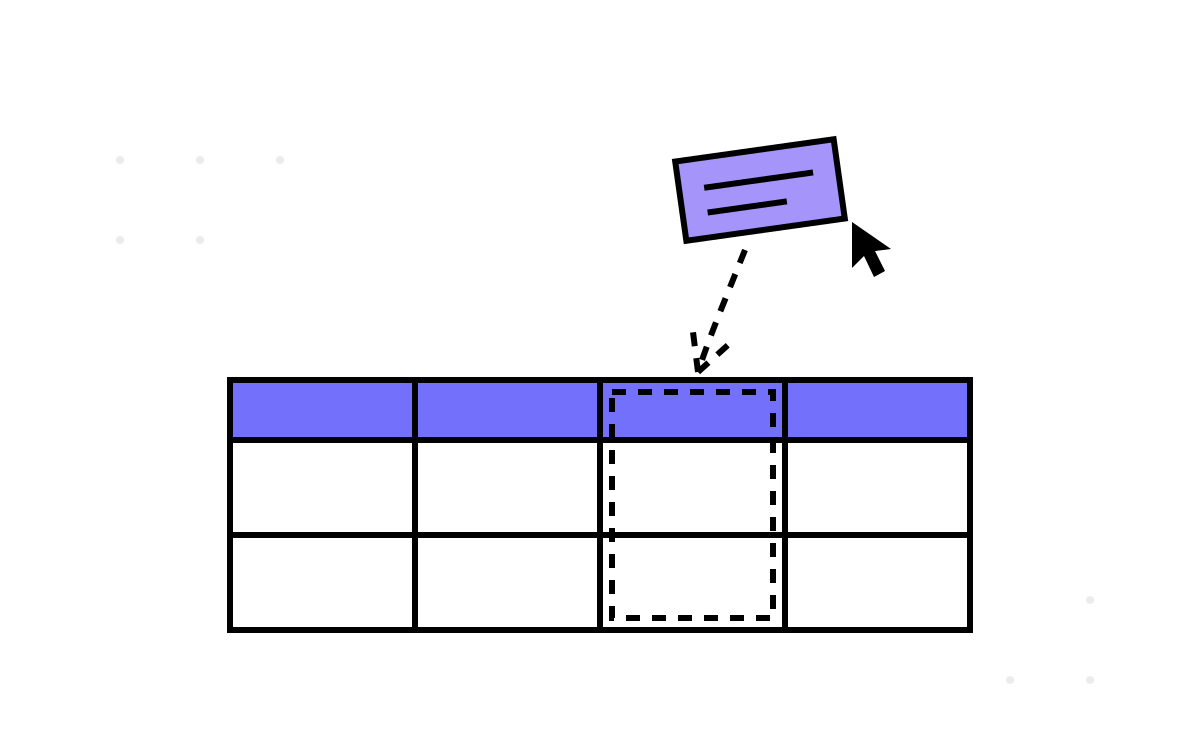
Every intranet grows a report builder. Someone in HR wants attendance grouped by manager for the night shift, sorted by average hours, and they want it this afternoon without filing a ticket — so you build them a page where they drag columns onto a canvas, drop filters underneath, and the application writes the SQL. The attendance platform's version was genuinely good self-service BI, and it was also a second-order SQL injection surface with a small museum of copy-paste bugs. Both things are true, and the tension between them is the whole story. It builds on the raw-SQL runner from part six.
A query that lives in four tables
The clever core: a saved report is not code, it is data. Four tables hold a template's definition — the template row, its chosen columns, its filter conditions, its group-by aggregates — and a flattening view, DynamicReportView, presents the joined attendance data under friendly column names the user recognises. A report is a handful of rows describing which columns, which filters, which grouping. Users compose reports; the schema stores them; nobody deploys anything. That is the right architecture for self-service reporting, and I would build it the same way again.
Turning those rows back into SQL was the job of a hand-rolled builder — a dozen-odd classes assembling a SELECT fluently:
var sql = new QueryBuilder(view: "DynamicReportView")
    .Select(template.Columns)
    .Where(template.Filters)
    .GroupBy(template.Groups)
    .Having(template.AggregateFilters)
    .OrderBy(template.Sort)
    .OffsetFetch(page, pageSize)
    .Build(parameters);
parameters is a ParameterCollection that the builder fills as it goes, and here is the part that earns real credit: every user-supplied value became a parameter. A filter of “hours greater than 8” emitted OfficeHours > @p0 with @p0 = 8. The author knew about parameterisation and applied it to values consistently. The vulnerability lives one category over.
Values are parameterised; identifiers are glued
You cannot parameterise a column name. SQL parameters carry values, not identifiers — SELECT @p0 FROM ... binds a literal string, not a column. So when the report definition says “group by the Manager column and select Average Hours”, those names have to reach the SQL as text:
public QueryBuilder GroupBy(IEnumerable<GroupSpec> groups)
{
    foreach (var g in groups)
        _groupColumns.Add(g.ColumnName);        // concatenated verbatim into GROUP BY
    return this;
}

// ...later, in Build():
sql.Append(" GROUP BY ").Append(string.Join(", ", _groupColumns));
g.ColumnName came from the saved template, which came from the request when the template was created. It was concatenated raw — into the column list, the GROUP BY, the ORDER BY, and the FROM target. This is the textbook second-order injection shape: the dangerous string is not injected and executed in one request. It is stored as an innocent-looking template today, and executed when someone runs that template tomorrow. The gap between write and execute is exactly what makes it slip past the mental model of “validate the input” — by execution time, the input feels like trusted internal data.
Whether it was exploitable depended entirely on how column names reached the template table. If the UI only ever posted names from a fixed, server-known list, the blast radius was small — an integrity accident, not an open door. If any request could persist an arbitrary column string, the door was open, timer-delayed. Either way the defence is the same, and it is not “parameterise” (you can't):
Identifiers must be validated against an allowlist, never sanitised. The set of legal columns, tables and aggregates is known at build time — it is the shape of DynamicReportView. Every incoming name is either in that set or rejected; there is no cleaning, no escaping, no QUOTENAME as a substitute for the check. Map the user's friendly name to a canonical column through a dictionary you control, and the raw string never touches the SQL at all. The estate's database, as it happens, contains one procedure that does exactly this correctly — a CASE-whitelist with QUOTENAME and sp_executesql — sitting a few files from one that concatenates. The companion series tells that story in Two Dynamic-SQL Procs; the right answer was in the building.
The copy-paste bugs, which are the honest part
A hand-rolled builder written under deadline collects the kind of bug that hides behind “it usually works”. Three that I remember fondly, presented as the patterns they are:
The wrong list. A guard meant to detect whether any aggregate filters exist checked the wrong collection:
public bool HasAggregateCondition => Criteria.Count > 0; // should be AggregateCriteria
Criteria holds the WHERE conditions; AggregateCriteria holds the HAVING ones. So the presence of any ordinary filter made the builder believe it also had a HAVING clause to emit — or, depending on the branch, the reverse. Two similarly-named lists, one autocomplete slip, and the bug is invisible in the common case where a report has both kinds of filter.
The mismatched loop. A method iterated one collection while indexing another:
for (var i = 0; i < AggregateCriteria.Count; i++)
    AddCondition(Criteria[i]);      // looping AggregateCriteria, indexing Criteria
Fine while the two lists happen to be the same length; an IndexOutOfRangeException — or worse, a silently wrong condition — the moment they diverge. The two lists were usually the same length in testing, which is precisely why it shipped.
The unfinished overload. One comparison overload was a stub — throw new NotImplementedException() — reachable only through a filter combination QA never tried. And a dead class sat nearby carrying the comment “for future extension Dont worry”, which is the report-builder equivalent of the Future folder from part seven: ambition, parked, never swept up.
None of these are stupidities; they are the native failure mode of hand-rolled string builders. Similar names, parallel lists, index arithmetic — the exact places a human miscounts and a compiler shrugs. The lesson is not “be more careful”. It is that this is work a query-builder library (or LINQ against the view, projecting to the allowlisted columns) does without the human arithmetic — and the reason to reach for one is not elegance, it is that it removes the class of mistake entirely.
Serving it to the grid
The results fed a DataTables grid in server-side mode: the client sends paging, sorting and search state on every interaction, and one endpoint answers with just the visible page. Correct for large result sets — you never ship the whole table to the browser — and it pairs naturally with the builder's OFFSET/FETCH. But server-side mode also means DataTables' sort and search parameters flow straight into the same builder, which is to say the injection surface was not only the saved template but the live grid interaction on top of it. Same allowlist discipline, now on the hot path, evaluated on every keystroke of the search box.
The ledger
- The architecture was right. Reports as data, a flattening view, server-side paging — that is how self-service BI should be shaped, and it served real users well.
- The value/identifier split was half-learned. Values were parameterised faithfully; identifiers were concatenated, because you can't parameterise them and the author reached for concatenation instead of allowlisting. The correct pattern lived in the same database.
- Hand-rolled builders breed arithmetic bugs. Wrong-list, mismatched-loop, stub-overload — a genre, not a streak of bad luck. A library removes the genre.
The output of all this cleverness had one overwhelmingly requested destination, and it was not the browser grid. It was Excel — because every intranet app, in the end, exports Excel. Next.