Org Charts in T-SQL, Three Ways
One hierarchy, three implementations - a recursive CTE, a view that calls a scalar function on every row, and a whole family of tree procs - plus a relationship flag that is a decimal number pretending to be binary.
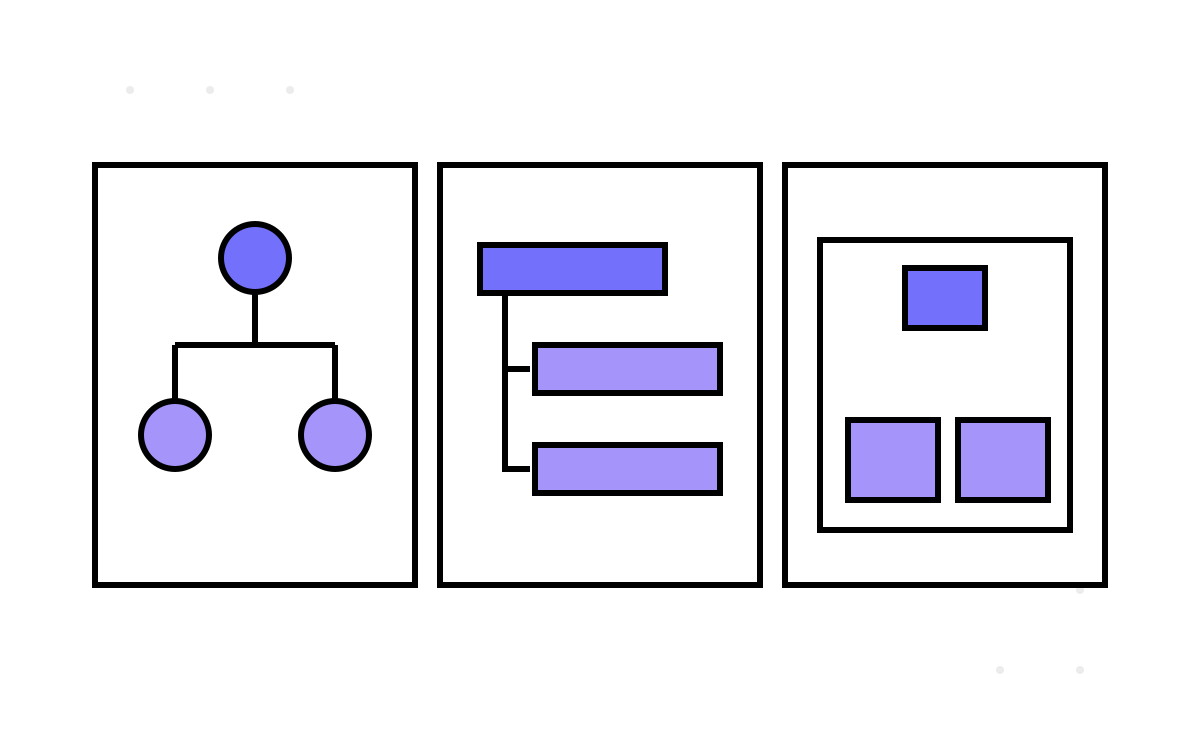
An org chart is a tree, and trees in relational databases are the oldest hard problem there is: every row points at its parent, and answering “who reports to this manager, transitively?” means walking pointers a database was not built to walk. The attendance platform needs that answer constantly — to decide whose attendance a manager may see, to route approvals, to render hierarchy pages. And it answers the question three different ways, in the same database, with three different performance profiles and one shared, delightful piece of confusion: a relationship flag that is a decimal number dressed up as binary. This part reads all three, because the estate accidentally built a tutorial on hierarchy queries — including how not to.
Why the org chart resists SQL
The Employee table is self-referential: each row has a ManagerID pointing at another employee's ID. That models the tree perfectly and queries it terribly. “Who is this person's direct reports” is one join; “who is in this person's entire downward org, to arbitrary depth” is recursion, and SQL's set-based nature has no native loop. Every approach below is a different accommodation of that mismatch, and the estate tried most of the catalogue.
A structural aside that matters below: the manager pointer is ManagerID NUMERIC(18) while the business key it points at is EmployeeId INT — the type mismatch from part 13 — so every one of these traversals joins across an implicit conversion, on the hottest lookup in the schema.
Way one: the recursive CTE, done properly
The best of the three is a recursive common table expression, wrapped in a function:
CREATE FUNCTION dbo.GetEmployeeHierarchy (@ManagerId INT)
RETURNS TABLE AS RETURN
    WITH org AS (
        SELECT EmployeeId, ManagerId, 0 AS Depth
        FROM   dbo.Employee
        WHERE  EmployeeId = @ManagerId              -- anchor: the root

        UNION ALL

        SELECT e.EmployeeId, e.ManagerId, o.Depth + 1
        FROM   dbo.Employee e
        JOIN   org o ON e.ManagerId = o.EmployeeId   -- recursive: one level down
    )
    SELECT * FROM org
    OPTION (MAXRECURSION 0);                          -- no depth ceiling
This is the right tool. The anchor selects the root; the recursive member joins each level to the one above; SQL Server iterates until no new rows appear. It is set-based — the engine processes each level as a batch, not row by row — and it is the standard answer in every SQL Server hierarchy tutorial written this century.
Two details reward a second look. MAXRECURSION 0 removes the default 100-level safety ceiling — correct for a real org that could exceed 100 levels, but it hands the safety question to your data: a cycle in the manager pointers (A reports to B reports to A, which no foreign key prevents) turns “no ceiling” into “infinite loop”. The estate's version carries a self-reference guard for exactly this reason, and the guard is not optional — it is the only thing standing between this function and a runaway query, because nothing in the schema forbids the cycle.
Way two: a view that calls a function per row
The second approach is where it goes wrong. A hierarchy view joins employees to their managers and, to decorate each row, calls scalar functions once per row:
CREATE VIEW dbo.EmployeeHierarchy AS
SELECT e.EmployeeId, e.EmployeeName,
       dbo.fn_countofsub(e.EmployeeId)   AS DirectReportCount,
       dbo.fn_relationship(e.EmployeeId) AS RelationshipFlag
FROM   dbo.Employee e;
fn_countofsub runs a COUNT of direct reports; fn_relationship runs three existence probes. A scalar user-defined function in a SELECT list executes per row of the result — so selecting a thousand employees fires fn_countofsub a thousand times and fn_relationship three thousand, each its own little query, none of them able to be optimised into the outer plan. This is RBAR — Row-By-Agonising-Row — the exact processing model the recursive CTE was designed to avoid, reintroduced through the side door of a convenience view. It is the classic scalar-UDF performance trap, and it is invisible in the view definition: the SQL reads clean and set-based, right up until the execution plan reveals a thousand function calls hiding behind two column names.
The lesson is that “one query” is not the same as “one operation”. A view that looks like a single SELECT can conceal per-row work that dwarfs everything visible, and the only way to know is to read the functions it calls, not just the view.
The relationship flag: a decimal cosplaying as binary
fn_relationship earns its own section, because it is the most charming confusion in the estate. It answers three yes/no questions about an employee — do they have a child (a report), a parent (a manager), a sibling (a peer)? — and encodes the three bits into a single number. Bits into a number is a fine idea; the encoding is where it goes sideways:
-- has_child=1, has_parent=1, has_sibling=0  ->  intends "110"
SET @relationship = @has_child * 100 + @has_parent * 10 + @has_sibling;
Read that arithmetic carefully. The three flags are combined in base ten, positionally, to look like a three-bit binary string — 111, 110, 101, 100 — but the value is a decimal integer. It is not binary; it is a decimal number wearing binary's clothes. The tell is in the corners: has_child=0, has_parent=0, has_sibling=1 produces the integer 1, which callers must render as "001" with RIGHT('000' + CAST(@relationship AS VARCHAR), 3) to recover the intended three-character shape. And because it is decimal-positional rather than an actual bitfield, combinations like 010 and 011 fall through unhandled — the code enumerates the cases it thought of rather than computing over the bits, so the “encoding” is really a lookup table with gaps.
A genuine bitfield — has_child*4 + has_parent*2 + has_sibling*1, values 0 through 7, decoded with bitwise & — would be smaller, complete, and actually be what it pretends to be. The decimal version works for the cases someone tested and silently mishandles the rest, which is a fair one-line summary of the entire schema. I keep a soft spot for it, though: it is the kind of bug that comes from almost knowing the right idea, reaching for bit-packing and landing on string-shaped decimals. Almost-right is far more instructive than plain wrong.
Way three: the tree-proc family, with a person's ID in the source
The third approach is not one procedure but a whole family — a dozen of them, sp_child, sp_sibling, sp_family, sp_manager, sp_reporting_employee_details and kin — each carving off one slice of the hierarchy question, sharing the fn_relationship flag, and collectively forming an ad-hoc graph API in T-SQL. That they exist at all, alongside the recursive CTE that could answer most of their questions, is the estate's copy-paste instinct applied to procedures: a new hierarchy question arrived, a new proc was pasted from the nearest one, and the family grew.
Two artefacts in the family are worth preserving under glass. One initialisation proc hardcodes a specific employee's ID as the tree root — a real person's identifier, baked into a stored procedure as the top of the org. When that person leaves, the org chart's root is a former employee, edited only by altering a proc. Another special-cases two particular low-numbered IDs by literal. And a further proc in the family, all of its parameters optional, was built to back a GraphQL search layer that — like part 1's Hangfire schema — is an absence: the proc is here, shaped for a query API, and no such API exists in the estate to call it. The schema keeps advertising capabilities the code never claims.
The rule I carry out of this part is about proliferation: when the same question gets three implementations, the cost is not the two extra copies — it is that a reader can no longer tell which one is authoritative. A developer needing “this manager's org” finds a CTE, a view and a proc family, three different performance profiles, no note saying which to use, and picks by proximity. Consolidating on the recursive CTE and deleting the rest would have made the schema smaller and faster and legible — the rare change that costs nothing and pays three ways.
From graphs we move to calendars, and to the business rule the platform's users cared about more than any other: the payroll month does not start on the first. It starts on the sixteenth. Next, the payroll month starts on the sixteenth.