Six Services on a Laptop
FeedR ships three ways to run its six services - pm2, Project Tye, and a deliberately split pair of docker compose files - plus per-service Dockerfiles and an environment-keyed configuration layer that lets the same build run on localhost and inside a compose network. Part 10 of the FeedR deep dive.
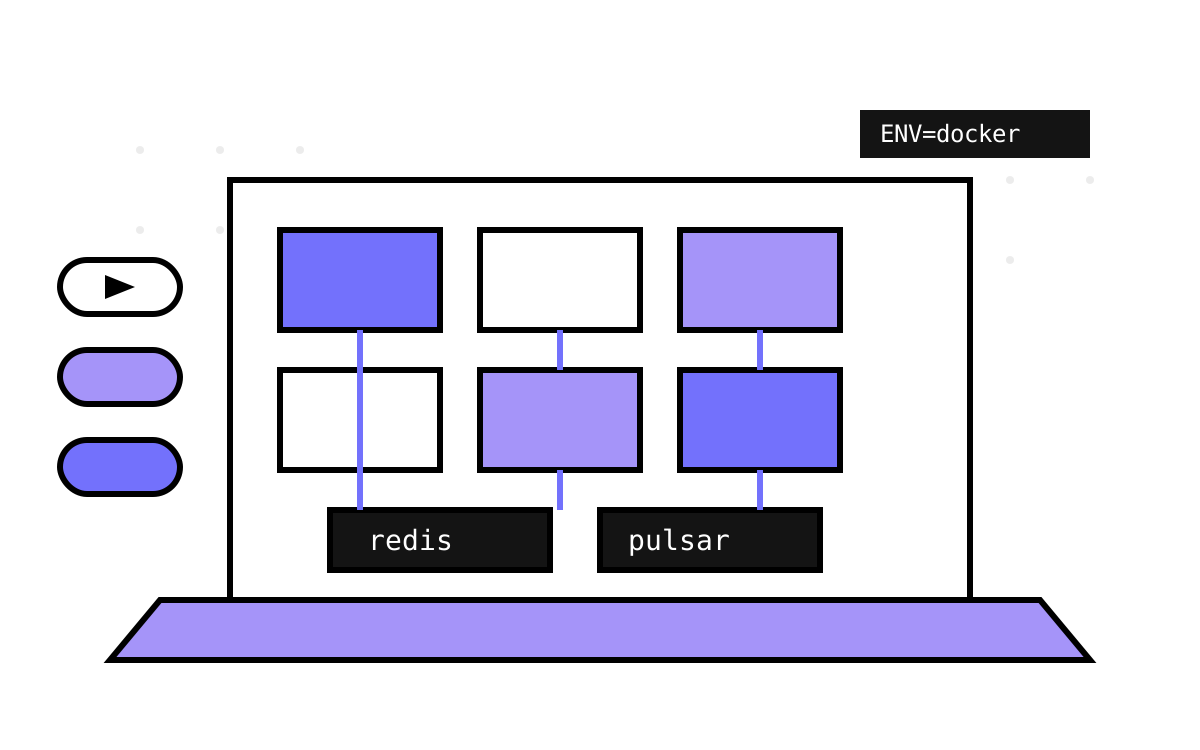
The tax on microservices is paid first at the laptop. A monolith is F5; six services are six terminals, two infrastructure dependencies, a port map you keep in your head, and a new-joiner onboarding doc that's wrong within a month. How a codebase answers “how do I run this thing?” tells you a lot about whether its authors actually lived with it — and FeedR, the open-source DevMentors sample this series has been reading, answers three different ways at once, which is itself the lesson. Episode 2 of their video series is literally titled “dotnet tye, pm2, docker, compose”: the tooling landscape was the content, and the repo preserves all the options they explored.
This part reads the operational layer: the compose files, the Dockerfiles, the orchestrators, and — the piece I care most about — the configuration layering that lets one build run in three different worlds without changing a line of code.
The split: infrastructure is not services
FeedR's compose/ directory contains two files, not one, and the split is the first thing I'd steal:
# compose/infrastructure.yml — the stuff your code needs
services:
  pulsar:
    image: apachepulsar/pulsar
    command: bin/pulsar standalone
    ports: ["6650:6650", "8080:8080"]
    networks: [feedr]

  redis:
    image: redis
    ports: ["6379:6379"]
    volumes: ["redis:/data"]
    networks: [feedr]
The README's quick-start runs only this file: docker compose -f infrastructure.yml up -d, then start whichever .NET services you're working on from the IDE. That's the workflow that matches how people actually develop — you want your service under a debugger and everything it depends on containerized and forgettable. A single all-in-one compose file makes the common case (hack on one service) awkward to serve; the split makes it the default.
Details worth noticing even in these few lines: Pulsar runs in standalone mode (broker, bookkeeper, and ZooKeeper duties collapsed into one container — the sanctioned dev-mode shortcut for a system that's genuinely heavy to operate for real); Redis gets a named volume so your streams-of-consciousness survive a container recreate; and both sit on an explicitly named network, feedr, which becomes important in a moment.
The second file, services.yml, containerizes the six applications, each built from a per-service Dockerfile and published on its conventional port (5000–5050). Its network block has one telling line:
networks:
  feedr:
    name: feedr
    external: true
external: true means “this network already exists — join it, don't create it.” The services file presumes the infrastructure file has run. Two compose files, one shared network, an explicit dependency direction: infrastructure first, services second, and mixed-mode (Redis in a container, quotes service in the debugger) works because the infrastructure ports are also published to the host. It's a small design, but I've seen platform teams reinvent it badly with one 400-line compose file and a wiki page of comment-toggling instructions.
The Dockerfiles: honest about their trade
Every service's Dockerfile is the same eleven lines with the name changed — here's the gateway's:
FROM mcr.microsoft.com/dotnet/sdk:6.0 AS build
WORKDIR /app
COPY . .
RUN dotnet publish src/Gateway/FeedR.Gateway -c release -o out

FROM mcr.microsoft.com/dotnet/aspnet:6.0
WORKDIR /app
COPY --from=build /app/out .
ENV ASPNETCORE_URLS http://*:80
ENV ASPNETCORE_ENVIRONMENT docker
ENTRYPOINT dotnet FeedR.Gateway.dll
The multi-stage split is the part done right: build in the fat SDK image, run in the slim ASP.NET runtime image, so the shipped container carries no compilers. The COPY . . is the part done cheaply — the build context is the entire solution (compose sets context: ../), and copying everything before restoring means any file change anywhere invalidates Docker's layer cache and triggers a full restore-and-rebuild of every image. The canonical fix is the two-step dance: copy only *.csproj files first, dotnet restore, then copy the source — NuGet layers stay cached across code-only changes and rebuilds drop from minutes to seconds. For a sample rebuilt occasionally, COPY . . is fine and honest; for a CI pipeline building six images on every merge, the layering discipline pays for itself in the first week. (Modern .NET offers dotnet publish /t:PublishContainer and generates no Dockerfile at all — but you'll still meet this Dockerfile shape in every brownfield repo you ever open, so knowing its failure mode matters.)
Notice also ENV ASPNETCORE_ENVIRONMENT docker. Not Production, not Development — a custom environment name, baked into the image. Hold that thought.
Three orchestrators, three philosophies
pm2 (pm2.yml) is the brute-force option: a Node.js process manager pointed at six dotnet run working directories, with max_restarts: 3. No containers, no networking, everything on localhost exactly as your IDE would run it. It's the “I just need them all up” tool, and its presence in a .NET repo is a pleasant reminder that ecosystem borders are fake — pm2 doesn't care what it supervises.
Project Tye (tye.yml) was Microsoft's experimental answer to exactly this problem: point it at csproj files, and it builds, runs, wires environment variables, and gives you a dashboard with logs per service:
name: FeedR
services:
- name: feedr-gateway
  project: src/Gateway/FeedR.Gateway/FeedR.Gateway.csproj
  bindings: [{ port: 5000 }]
Tye deserves its paragraph of history: it was genuinely lovely — one tye run for the whole system — and it never left experimental status. Its ideas (model the app as a set of projects plus dependencies, generate the local orchestration and the Kubernetes manifests from one description) reincarnated in .NET Aspire, which is the tool you'd reach for in 2026. If I were modernizing FeedR today, the tye.yml would become an Aspire AppHost project, and the compose files would mostly evaporate for local dev. The shape of the need — a single file that names the system — outlived the specific tool, which is the general fate of dev-orchestration tooling and a good reason to keep the description minimal, as FeedR does.
Compose is the third option, already covered — and notably the only one of the three that runs the services in the same network topology as a deployment would, which is what makes the configuration story testable.
The configuration seam: one build, three worlds
Here's the part I consider the actual curriculum of this article. The quotes service needs to find Redis. On your laptop, Redis is localhost. Inside the compose network, Redis is redis — a DNS name that exists only on the feedr network. The gateway has it worse: five YARP destination addresses flip from localhost:5010–5050 to http://aggregator, http://feeds-quotes, and friends (and from six ports to port 80, since each container serves on 80 internally).
FeedR solves this entirely with ASP.NET Core's environment-keyed configuration layering. Each service carries:
appsettings.json— base values, tuned for localhost ("redis": { "connectionString": "localhost" })appsettings.development.json— logging tweaks for thedevelopmentenvironment the tye/pm2 flows setappsettings.docker.json— the docker world's overrides, and only the overrides
The Dockerfile's ENV ASPNETCORE_ENVIRONMENT docker selects that last layer. The docker file for quotes is seven lines: the Redis hostname and a Kestrel endpoint rebind. The gateway's overrides only the five cluster destination addresses — routes, matches, and transforms flow through from base config untouched (the part 2 story, seen now from the ops side). The mechanism is dumb as rocks — later file wins per key — and that's its virtue: you can hold the merge in your head, and a diff of the docker layer is the list of things that differ between worlds.
Custom environment names are underrated. Most teams stop at the blessed trio (Development/Staging/Production), then hit the “it's containerized but still local” case and start branching on ad-hoc environment variables in code. ASPNETCORE_ENVIRONMENT is just a string; docker is a perfectly good value for “same build, different neighborhood,” and it keeps the world-selection in one place the whole framework already respects. The one sharp edge: baking it into the image via ENV means the image is docker-flavored — promoting that exact image to a Kubernetes cluster means overriding the variable at deploy time, which compose/K8s make trivial but which you have to remember. Twelve-factor purists would push every world-varying value (Redis host, YARP destinations) into environment variables instead of JSON layers; my take is that JSON layers reviewed in a PR beat a constellation of env vars for anything structured, and FeedR lands on the right side of that line.
What's missing between here and production
An honest inventory, because this layer is where samples and deployments diverge hardest. No health checks — nothing in compose (or the missing Kubernetes manifests) can tell a hung service from a healthy one; ASP.NET Core's AddHealthChecks plus compose healthcheck blocks is a morning's work and the single highest-value addition. No depends_on or startup ordering — services race Pulsar and Redis on a cold start and survive by retrying or crashing into restart: unless-stopped, which is accidental supervision rather than designed readiness. No resource limits, no image registry/tagging story (everything builds locally, so “which version is running” has no answer), no TLS anywhere, and secrets — remember part 6's API key — have no vault to live in. None of this is a criticism of a teaching repo; it's the map of the next sprint if you ever promoted this system.
And that's the natural handoff to the finale. Part 11 closes the series the way every honest deep dive should: a retrospective on what this small, sharp sample gets right — the seams, the two-tier eventing, the swap-friendly composition — and a concrete accounting of what a production FeedR would need that the sample deliberately leaves out. The scorecard, both columns.