Five Scripts and One Settings Key
The statusline build, end to end - a stdin JSON contract, an entry point that reads once and delegates, a colour-coded session line, git platform routing, and the single settings.json entry that wires it all in.
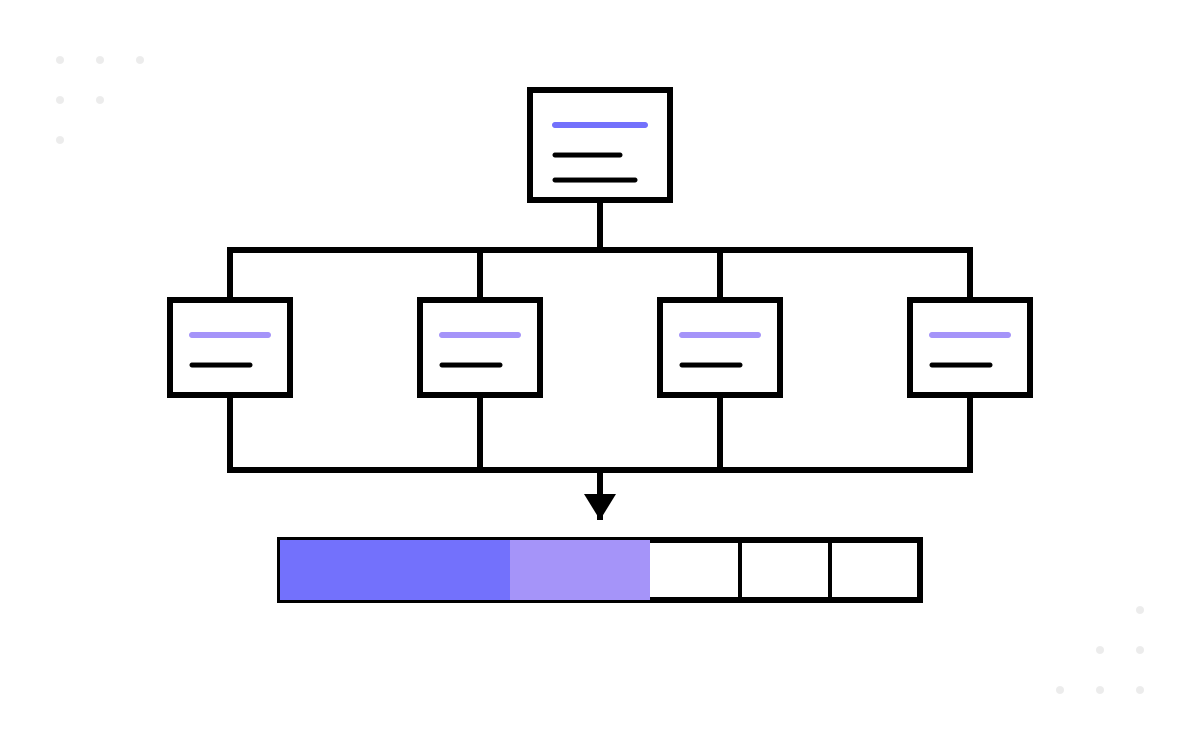
In part 1 I claimed a status bar could teach harness thinking better than a lecture. This part is the receipts: the actual build, script by script, from an empty folder to a two-line statusline that knows your model, your context usage, your branch and your open pull request.
Everything below is verified against the official Claude Code statusline documentation at the time of writing. The surface has already shifted once since I first built this, so treat the field list as a snapshot and the design as the durable part.
The contract before the code
Claude Code runs your nominated script and pipes a JSON snapshot of the session to it on stdin. Your script prints text to stdout; whatever it prints becomes the statusline. It re-runs after each new assistant message, after a /compact finishes, when the permission mode changes, or when vim mode toggles — debounced at 300ms so rapid changes batch together, and if a new update fires while your script is still running, the in-flight execution is cancelled.
The JSON carries far more than I use, but these seven fields do all the work in my build:
| Field | What it holds |
|---|---|
model.display_name |
Current model name, e.g. “Opus” |
workspace.current_dir |
Current working directory |
context_window.used_percentage |
How full the context window is, 0-100 |
context_window.total_input_tokens |
Input-side tokens currently in the context window |
context_window.total_output_tokens |
Output tokens currently in the context window |
context_window.context_window_size |
Maximum context window size in tokens |
cost.total_duration_ms |
Session wall-clock time in milliseconds |
One currency note worth flagging: the two token totals used to be cumulative session counters, and the documentation now defines them as tokens currently in the window. My original notes had the old meaning. The contract is the platform's, not yours, and it moves — re-read it whenever behaviour surprises you.
The single most useful habit before writing any real logic: test with mock input.
'{"model":{"display_name":"Opus"},"context_window":{"used_percentage":25}}' |
    pwsh -File statusline.ps1
If your script behaves given a hand-rolled JSON string, it will behave when Claude Code calls it. Every script below is testable this way, in isolation, which is precisely why there are five of them and not one.
Script one, the entry point that reads stdin exactly once
Create ~/.claude/statusline/statusline.ps1:
param()

$logFile = "$PSScriptRoot\debug.log"
function Write-Log {
    param([string]$Msg)
    "[{0:HH:mm:ss.fff}] {1}" -f (Get-Date), $Msg | Add-Content -Path $logFile
}

$readTask = [Console]::In.ReadToEndAsync()
$inputJson = if ($readTask.Wait(3000)) { $readTask.Result } else { '{}' }

Write-Log "---- statusline.ps1 start ----"
Write-Log "InputJson length: $($inputJson.Length)"

. "$PSScriptRoot\statusline-basic.ps1" -InputJson $inputJson
. "$PSScriptRoot\statusline-git.ps1"   -InputJson $inputJson

Write-Log "---- statusline.ps1 end ----"
Read it slowly, because each of the three decisions here earned its place.
ReadToEndAsync()with a three-second timeout is the defensive move. Stdin is a promise made by someone else's process; if it ever arrives empty or not at all, a naive blocking read hangs your statusline forever. The timeout degrades to'{}'— an empty but valid JSON object — and every downstream script keeps working with fallbacks.- Stdin is read once, then passed as a parameter. A pipe can only be drained a single time. The first version of this build had two scripts each trying to read stdin, and the second one starved. Read once at the boundary, hand the raw string to everyone.
Write-Logwrites to a file, never to stdout. Stdout is the statusline — any stray debug print becomes visible UI. Logging todebug.loggives you a trace to read when the bar goes blank, without polluting the output channel.
Script two, the session line
statusline-basic.ps1 turns the JSON into one colour-coded line:
param([string]$InputJson)

$e = [char]0x1b
$data = $InputJson | ConvertFrom-Json

$model        = $data.model.display_name ?? 'Claude'
$cwd          = $data.workspace.current_dir ?? $data.cwd ?? ''
$folder       = if ($cwd) { Split-Path $cwd -Leaf } else { '~' }
$usedPct      = [int]($data.context_window.used_percentage ?? 0)
$inputTokens  = $data.context_window.total_input_tokens  ?? 0
$outputTokens = $data.context_window.total_output_tokens ?? 0
$durationMs   = $data.cost.total_duration_ms ?? 0

$ts      = [TimeSpan]::FromMilliseconds($durationMs)
$timeStr = if ($ts.TotalHours -ge 1) {
    '{0}h {1:D2}m' -f [int][Math]::Floor($ts.TotalHours), $ts.Minutes
} else {
    '{0}m {1:D2}s' -f $ts.Minutes, $ts.Seconds
}

$filled = [Math]::Max(0, [Math]::Min(20, [Math]::Floor($usedPct / 5)))
$bar    = '[' + ('#' * $filled) + ('-' * (20 - $filled)) + ']'

$ctxColor = switch ($true) {
    ($usedPct -ge 90) { "$e[91m" }
    ($usedPct -ge 70) { "$e[93m" }
    default           { "$e[92m" }
}

$cyan = "$e[96m"; $magenta = "$e[95m"; $dkCyan = "$e[36m"
$yellow = "$e[93m"; $gray = "$e[90m"; $reset = "$e[0m"
$sep = "${gray} | ${reset}"

[Console]::Write(
    "${cyan}${model}${reset}${sep}" +
    "${magenta}${folder}${reset}${sep}" +
    "${ctxColor}${bar} ${usedPct}%${reset}${sep}" +
    "${dkCyan}in:${inputTokens} out:${outputTokens}${reset}${sep}" +
    "${yellow}${timeStr}${reset}`n"
)
On screen it reads like this:
Opus | orders-api | [####----------------] 20% | in:15234 out:4521 | 2m 30s
The load-bearing habit in this script is the ?? null-coalescing operator on every single field. Before the first API response of a session, the context fields are null — that is documented behaviour, not a bug — and an unguarded property access turns your whole line into an error string. Assume every field can be missing, because early in a session, several are.
The context bar picks its colour by threshold: green under 70%, yellow from 70 to 89, red at 90 and above. Those thresholds are editorial, not technical — they mark where I want my own behaviour to change: yellow means finish the current thought and compact; red means stop starting things.
Script three, the git router
statusline-git.ps1 produces the second line, and its job is routing, not rendering:
param([string]$InputJson)

$data = $InputJson | ConvertFrom-Json
$cwd = $data.workspace.current_dir ?? $data.cwd ?? (Get-Location).Path

if (-not (Get-Command git -ErrorAction SilentlyContinue)) { exit 0 }
$gitDir = git -C $cwd rev-parse --git-dir 2>$null
if (-not $gitDir) { exit 0 }

$branch    = git -C $cwd branch --show-current 2>$null
$remoteUrl = git -C $cwd remote get-url origin 2>$null
$repoName  = [System.IO.Path]::GetFileNameWithoutExtension($remoteUrl -replace '.*/', '')

if ($remoteUrl -match 'github\.com') {
    . "$PSScriptRoot\statusline-github.ps1" -InputJson $InputJson
}
elseif ($remoteUrl -match 'dev\.azure\.com|visualstudio\.com') {
    . "$PSScriptRoot\statusline-azdo.ps1" -InputJson $InputJson
}
else {
    [Console]::Write("Git: ${repoName} | ${branch}`n")
}
Two early exits, then a decision. No git on the machine — print nothing and get out. Not inside a repository — same. Otherwise, inspect the origin remote and route: GitHub repositories go to statusline-github.ps1, Azure DevOps ones to statusline-azdo.ps1, anything else gets a plain repo-and-branch line. The platform scripts follow one shared pattern — ask the platform CLI (gh or az) for open pull requests on the current branch, format one line, print it — and each shell-out runs under a five-second timeout so a slow network can never freeze the bar. Adding GitLab support one day means writing one new script and one new elseif; the entry point never changes.
That is the modular payoff in one sentence: the entry point owns stdin, each sub-script owns one line, and the router owns the decision — so every piece can be tested by piping mock JSON at it alone.
The one settings key
The wiring is a single entry in ~/.claude/settings.json:
{
  "statusLine": {
    "type": "command",
    "command": "pwsh -NoProfile -File ~/.claude/statusline/statusline.ps1"
  }
}
-NoProfile matters: this script runs after every assistant message, and loading a PowerShell profile on each invocation is pure tax. On Windows, write the script path with forward slashes — the documentation notes that commands can be routed through Git Bash, which quietly eats unquoted backslashes and fails without a visible error.
Then open a session, send a message, and look down. If the bar stays blank, debug.log tells you which script ran and what it received — which is the moment the logging decision from script one pays for itself.
Three failures account for nearly every blank or broken bar I have seen in sessions where someone follows this build:
- Nothing renders at all. The script path in
settings.jsonis wrong, or the script is writing to stderr instead of stdout. Run the mock-input test from the top of this post against the entry point directly; if that prints, the wiring is the problem, not the code. - The line renders but shows zeros and
--. You are looking at the documented nulls before the session's first API response. Send one more message; if the values populate, nothing was ever wrong. - The first line renders and the second does not. The git line exits early by design outside a repository — check which directory the session actually started in before suspecting the router.
It works, and then the questions start. Why does the percentage disagree with your own token arithmetic? Why does the bar sometimes lag? What garbles the colours? Next, when the percentage looks wrong — every confusing behaviour, and the harness lesson inside each one.