A Statusline Is a Tiny Harness
The first exercise I give anyone learning to direct coding agents has no prompt in it at all - it is a status bar. Why sixty lines of PowerShell teach context and harness thinking better than any lecture about either.
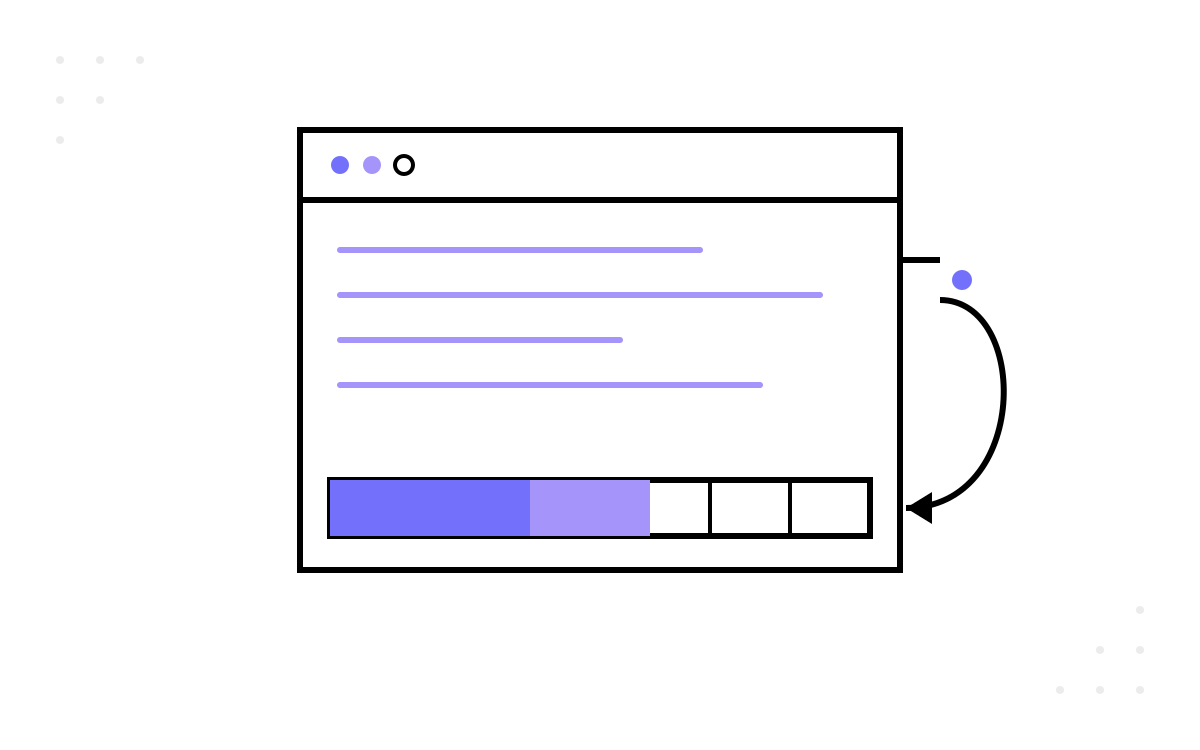
The first exercise I give anyone learning to work with coding agents contains no prompt at all. No clever instructions, no system message, no “you are an expert software engineer”. It is a status bar — two lines of text at the bottom of a terminal, showing which model is running, how full the context window is, and whether the current branch has an open pull request. It takes an evening to build, it ships no product feature, and it teaches more about the discipline of directing agents than a week of prompt tips.
This short series is that exercise, written up. It comes from a learning session I run for engineers starting out with agentic tools, and the scripts in it are the ones I use every day — creator voice throughout, my own build, my own scars.
The claim worth defending
Here is the claim the whole series rests on: the skills that make an agent useful live mostly outside the conversation. What you type into the chat matters, but it is the smallest and least durable part of the system. Around every agent sits an environment — configuration files, scripts it can run, data contracts it reads and writes, conventions it inherits before you say a word. Engineers who level up with agents are almost never the ones with the cleverest prompts. They are the ones who shape that environment deliberately.
When I teach this, I carve the work into layers. At the bottom sits prompt craft: the wording of a single request, useful and quickly commoditised. Above it sits context: everything the agent already knows before your message arrives — project conventions, memory files, the structure of the repository it wakes up inside. And around both sits the harness: the machinery that runs the agent — settings, hooks, scripts, the plumbing that decides what executes, when, and with what inputs. The layers are mine as a teaching device; the underlying observation — that the environment beats the prompt — is simply what the last couple of years of agentic tooling have made obvious to anyone paying attention.
The trouble with teaching the upper layers is that they are abstract until you have built something in them. Nobody feels what “harness” means from a definition. So the first session builds the smallest harness component I know of: the statusline.
What the statusline actually is
Claude Code — the agentic CLI I run day to day — has a configurable status bar. The mechanism is beautifully plain: after each assistant message, the tool runs a script you nominate, pipes a JSON snapshot of the session to it on stdin, and displays whatever the script prints to stdout at the bottom of the terminal. That is the whole contract. JSON in, text out, rendered on a loop.
Out of that trickle of JSON you can build anything. Mine shows the model name, the current folder, a colour-coded context-usage bar, token counts, elapsed session time — and a second line that detects whether the repository lives on GitHub or Azure DevOps and shows the branch and any open pull request. Two lines, refreshed automatically, always in the corner of my eye.
Notice what the exercise is not. It is not application code — no product feature, no user story, no deadline pressure. It is not prompt work — you never touch the conversation. It is pure environment: a settings entry, a data contract, and a handful of scripts.
Why this is the right first exercise
I picked the statusline deliberately, and the reasons generalise.
The stakes are low and the feedback is instant. Your script either paints the bar or it does not, and it repaints after every assistant message. There is no build pipeline between you and the result, no staging environment, no waiting. Tight feedback loops are where intuition forms, and the statusline's loop is seconds long.
It forces you to read a data contract. The JSON that arrives on stdin is a real interface with real documentation, real optional fields, and real nulls before the first response arrives. Extracting context_window.used_percentage safely — with a fallback for the null you will get at session start — is exactly the muscle you use later when wiring agents to anything: read the contract, trust the contract, defend against its gaps.
It spans configuration, code and data flow in one small artefact. You edit settings.json (harness wiring), write a script (behaviour), and shape the flow of session data through it (a context problem in miniature). One evening, all three layers, nothing to deploy.
It proves the environment-over-prompt principle by existing. The statusline works because of how the system is configured, not because of anything typed into the chat. Once you have felt that — once part of your daily tooling exists entirely outside the conversation — the idea that agents are directed by their environment stops being a slogan.
One honest footnote, because precision matters here: the statusline moves data towards you, not towards the model. It is instrumentation for the human, not context for the agent. What transfers is the plumbing discipline — the same stdin-to-stdout composition, the same defensive parsing, the same settings wiring you later use for hooks and helper scripts that do feed the agent. The pipe points the other way; the pipefitting is identical.
What the little bar teaches you to see
The unexpected payoff is that the statusline changes how you run sessions. When context usage sits in your peripheral vision, you notice that it climbs faster than you assumed. You start asking what is in there — which files, how much history, how much of the window is cache. You catch yourself compacting earlier, scoping work smaller, being deliberate about what enters the window. The instrument changes the behaviour of the operator, the way a fuel gauge changes how you drive.
That awareness — treating the context window as a budget you spend rather than a bucket you fill — is the beginning of real context engineering. The statusline does not teach the theory. It makes you want the theory.
Where the series goes
Three parts, each self-contained, each building on the last:
- A Statusline Is a Tiny Harness — this post: what the exercise is and why it earns its place.
- Five Scripts and One Settings Key — the build, end to end: the stdin contract, a modular PowerShell design with an entry point that delegates to focused sub-scripts, git platform detection, and the single settings entry that wires it all in.
- When the Percentage Looks Wrong — the questions that come after it works: token arithmetic that refuses to match, debounce and update timing, slow CLI calls, escape codes that fight back, and an honest ledger of what my build still does not do.
Everything in the series is verified against the official Claude Code statusline documentation as I write; where the platform has already changed under my notes, I say so, because that too is a lesson about harnesses.
If you have ever wondered whether there is a first rung on the AI-engineering ladder that is neither a toy prompt nor a full agent pipeline — something small enough for an evening and real enough to keep — the next two parts are for you.