When the Percentage Looks Wrong
Every confusing statusline behaviour is a lesson about the harness underneath - the token arithmetic that refuses to match, the 300ms debounce, the five-second timeout, and the escape codes that fight back.
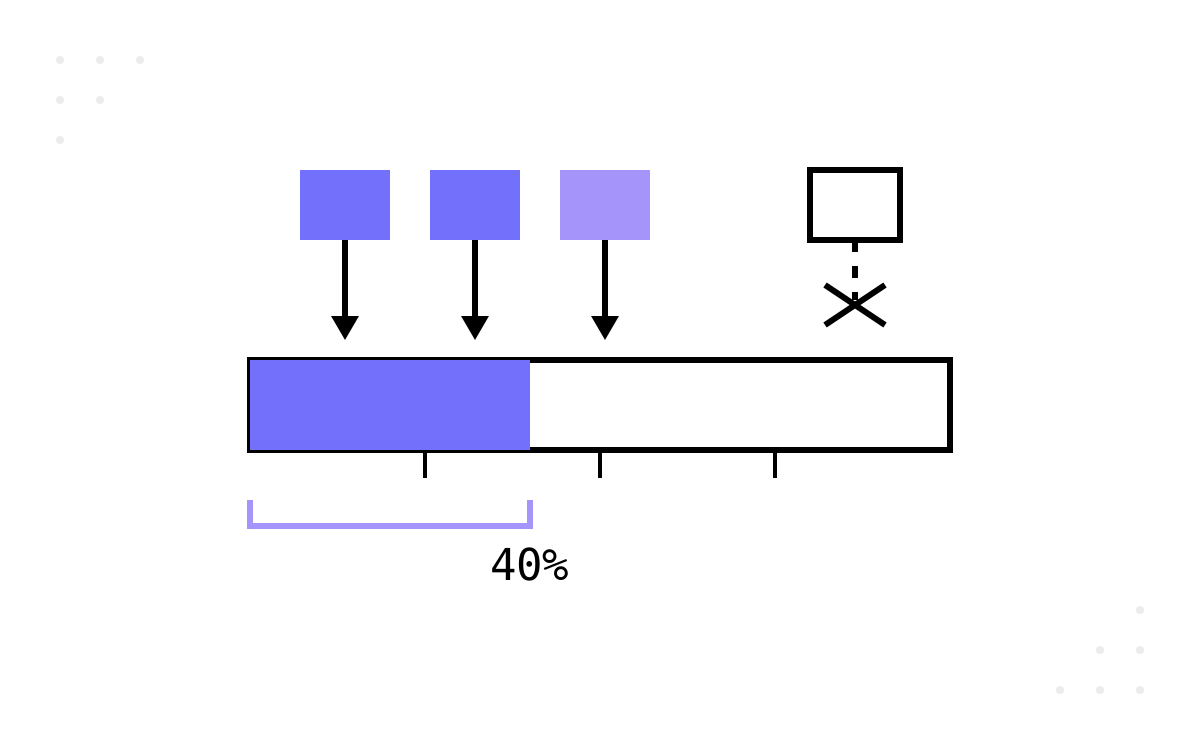
The build from part 2 works for about a day before the questions start. Someone adds the token counts together, divides by the window size, gets a different number from the bar, and concludes the statusline is broken. It is not — and the explanation is the best context-engineering lesson in the whole exercise. This final part collects the questions I get after every session, because each one is a small window into how the harness actually behaves.
The percentage that looks wrong
used_percentage is calculated from input-side tokens only: fresh input tokens, plus tokens written to the prompt cache, plus tokens read back from it. Output tokens are not part of the formula. So if you recompute the percentage by summing everything you can see and dividing by context_window_size, you will land high, and the discrepancy grows exactly as fast as the model talks.
If you want your own arithmetic to match the field, use the same input-only sum. The documentation also notes the percentage can differ from what the /context command shows, because the two are calculated at different moments — the statusline's snapshot arrives with the last response, while /context computes on demand.
There is a deeper lesson under the arithmetic. The context window is not one number; it is a composition — fresh input, cache writes, cache reads, output — and different views of it legitimately disagree depending on what they count and when they count it. The first time you chase this “bug”, you come out the other side actually understanding what fills an agent's window. That understanding is worth more than the statusline itself.
And a confession that reinforces the point: the meaning of the token fields has already changed once. When I first built this, total_input_tokens and total_output_tokens were cumulative session counters; the documentation now defines them as tokens currently in the window. My notes were correct when written and wrong six weeks later. A harness component is a bet on someone else's contract, and contracts drift — which is why part 2 told you to re-read the docs whenever behaviour surprises you.
No, it does not cost tokens
The most common worry is the easiest to retire: the statusline consumes no API tokens. Your script runs locally, reads a snapshot Claude Code already has, and prints text. Nothing goes to the model. You can render the bar after every message all day and your usage is exactly what it would have been without it.
Why the bar updates when it does
The script runs after each new assistant message, after a /compact completes, when the permission mode changes, and when vim mode toggles. Updates are debounced at 300ms, so a burst of state changes produces one run once things settle — and if a new update fires while your script is still executing, the in-flight run is cancelled rather than queued.
Two practical consequences fall out of that:
- A slow script does not make the bar update more often; it makes it update never. If your script takes longer than the gap between assistant messages, it keeps getting cancelled mid-flight. Fast scripts are not a nicety — they are the difference between a live instrument and a dead one.
- The bar goes quiet when the session does. No assistant messages, no updates. The documentation has since grown a
refreshIntervalsetting that re-runs the command on a timer for exactly this — worth knowing if you ever render a clock or watch external state that moves while the session idles.
The slow second line
The git line has a latency problem the session line does not: it shells out. git rev-parse, git branch, and — the real cost — a platform CLI call like gh pr list, which can take a second or two depending on network. Unguarded, that turns your statusline into a lagging indicator of a repository state you left moments ago.
My build defends with a five-second timeout on every platform call: a stale-or-missing PR badge is annoying, a frozen statusline is worse. The official docs go one better and cache git state to a temp file, refreshing it only every few seconds. One detail of their pattern deserves a highlight, because it is a genuinely good piece of engineering hygiene: the cache file is keyed by the session's session_id, not by process id. The script is a fresh process on every invocation, so a pid-keyed cache never hits; the session id is stable for the life of a session and distinct across concurrent ones. Choosing a cache key means asking what is stable across your invocations and unique across your neighbours — a question that follows you into every caching decision you will ever make.
The escape codes that fight back
ANSI colour sequences make the bar readable; they are also the least robust part of the build. Complex escape sequences can clash with other terminal UI drawing, and multi-line output with colour is more prone to rendering glitches than a single plain line. When the bar comes up garbled, the debugging move is subtraction: strip back to plain text, confirm the script and wiring are sound, then reintroduce colour one section at a time until you find the sequence the terminal objects to.
Clickable OSC 8 hyperlinks are the same story amplified — support varies by terminal, and some strip the sequences entirely. Degrade gracefully: the information should survive even when the decoration does not.
Why five files and not one
The question that sounds like style and is actually architecture. One file would be shorter. Five files means: stdin is read exactly once at the boundary; each script owns a single line of output; each can be tested alone by piping mock JSON at it; and extending the bar — a Docker status, a CI state, a new git platform — means adding a script and one delegation line, touching nothing that already works. The entry point has not changed since the week I wrote it. That stability under extension is the property you want in every harness component, and the statusline is small enough to let you feel it in an evening.
The honest ledger
A retrospective is owed, because this series has been cheerfully positive about sixty lines of PowerShell. What my build does not do:
- It does not cache. Every assistant message pays the full shell-out cost of the git line. The timeout keeps it from freezing, but the docs' session-keyed cache is simply better engineering, and I have not adopted it yet. The gap between “works” and “well-built” is visible from here, documented, and mine.
- It shares its row with the system. Notifications and warnings render on the same line, and on a narrow terminal they will truncate your carefully formatted output. The statusline also hides during permission prompts and menus. It is a guest in someone else's UI, not the owner of it.
- It is a snapshot of a moving platform. Every behavioural claim in this series — the update triggers, the debounce, the field meanings — is verified against the official statusline documentation as I write, and the field meanings have already shifted once since I first built it. If you are reading this long after the publish date, read the docs first and this series second.
And what the exercise is actually for, one last time: nothing in these three parts made an agent smarter. What it made is an engineer who has read a data contract defensively, composed small scripts through a pipe, chosen timeouts and cache keys deliberately, and wired behaviour into a tool through configuration rather than conversation. Those are the muscles. The statusline is just the dumbbell — small, cheap, and heavy enough to count.