Migrating Live Databases with Log Replay Service
Three manually-run pipelines, one JSON config bag and a TDE certificate wrinkle - how live SQL Server databases moved into Azure SQL Managed Instance with LRS, and why all the project risk compresses into the sixty seconds around cutover. Part 11 of the Terraform on Azure series.
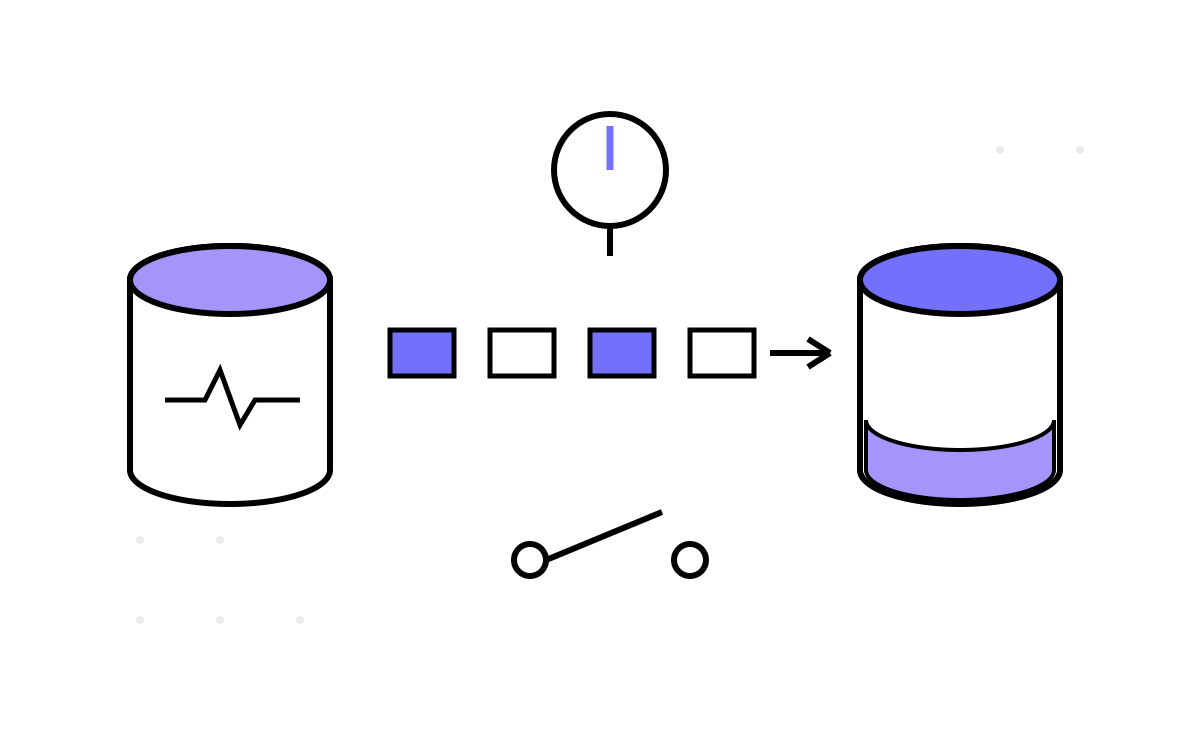
Part 10 built the destination: a governed, delete-locked SQL Managed Instance that took half a day to provision. This part is the harder half of the job — moving live databases into it. Databases with businesses attached, where “we'll take an outage window this weekend” means a weekend measured against how fast you can copy terabytes and how much you trust the restore.
The estate solved it with a small operational toolkit that lived beside the Terraform stacks: three manually-run pipelines and one JSON config, built on Azure's Log Replay Service (LRS). It is the least glamorous artifact in the whole estate and the one I would rebuild first, because the shape of the problem never changes.
The menu, and why LRS
Migrating SQL Server to Managed Instance has four realistic options, and the right answer depends on what you are optimizing — control or convenience:
- Backup, copy, restore. Simple and bulletproof — but the source keeps changing while the backup copies, so your cutover delta is however long the copy took. For big databases on thin pipes, that is your outage window.
- Azure DMS. The managed wrapper around broadly the same mechanics. Less scripting, less control — you take its orchestration decisions, and when it stalls you are debugging a black box instead of your own script.
- Transactional replication. The coexistence tool — source and target both live for an extended period, per-table configuration, operationally heavy. Overkill when what you want is a one-way move. (Part 10's blueprint pre-provisioned its file share and SAS — an option kept open, never needed.)
- Log Replay Service. The MI-native equivalent of log shipping: seed from a full backup in blob storage, then replay transaction log backups into the target until you say stop. Free, script-driven, exact control over the backup chain and — crucially — over the instant of cutover.
The estate's backups were already landing in a blob container on a schedule, which made LRS nearly friction-free: the seeding material existed before the project started. That is worth generalizing — the best migration tool is the one whose inputs your operations already produce.
Three pipelines, one JSON
The harness is a runbook wearing YAML. All three pipelines declare trigger: none — nothing here ever runs because code changed; everything runs because a named human pressed a button, which Part 4 argued is exactly right for operations like this. And because Azure DevOps has no native way to say “run pipeline 2 only after pipeline 1, days later, when a human decides,” the coordination lives in header comments:
#########################################################################
# USAGE:
#   Update sql-migration.json before starting. Ensure all details are set.
#   Run 'StartSQL-LRS-Migration' to begin the restore.
# CONDITION:
#   If autocompleterestore = no, run 'CompleteSQL-LRS-Migration'
#   separately when you are ready to cut over.
#########################################################################
trigger:
- none
Comments as orchestration is fragile, but honest: the sequence is the runbook, and the person executing it is part of the system.
Every pipeline reads the same per-environment JSON bag, checked into the repo next to them:
{
  "dev": {
    "instancename":        "sqlmi-orders-dev",
    "instancerg":          "rg-orders-dev-db",
    "stgaccountname":      "saordersbackupsdev",
    "dbname":              "Orders_Mig",
    "dbcontainername":     "sqlbackups",
    "dbfoldername":        "lrs_backup",
    "lastBackupName":      "Orders_Mig_tail.bak",
    "autocompleterestore": "no"
  },
  "prod": { "instancename": "", "...": "everything blank until cutover is planned" }
}
Each field drives one decision: instancename/instancerg select the target MI; stgaccountname + dbcontainername + dbfoldername assemble the URI of the folder LRS watches; dbname names the database being born on the instance; lastBackupName tells LRS which file ends the chain; autocompleterestore picks the mode. The pipelines take a single spokeSelection parameter and index into this document — so the diff that says what is about to be migrated, where is reviewable JSON, the same move the Terraform side makes in Part 2. The prod block sitting deliberately blank until cutover week is its own kind of documentation.
Start: minting access and choosing a mode
The Start pipeline is one AzurePowerShell task, and its details reward reading:
jobs:
- job: LRS
  timeoutInMinutes: 0   # replay is open-ended; never let the agent kill it
  steps:
  - task: AzurePowerShell@5
    inputs:
      azureSubscription: '$(pvar-pipeline-service-connection)'
      scriptType: inlineScript
      inline: |
        Set-AzContext $(pvar-target-subscription)
        $cfg = Get-Content "$(Build.SourcesDirectory)/sql-migration.json" | ConvertFrom-Json
        $env = $cfg.${{ parameters.spokeSelection }}

        $uri = "https://$($env.stgaccountname).blob.core.windows.net/$($env.dbcontainername)/$($env.dbfoldername)"
        $stg = Get-AzStorageAccount -ResourceGroupName $env.instancerg -Name $env.stgaccountname
        $sas = New-AzStorageContainerSASToken -Name $env.dbcontainername `
                 -Permission "rl" -Protocol HttpsOnly `
                 -ExpiryTime (Get-Date).AddDays(3) -Context $stg.Context

        if ($env.autocompleterestore -eq "yes") {
          Start-AzSqlInstanceDatabaseLogReplay -ResourceGroupName $env.instancerg `
            -InstanceName $env.instancename -Name $env.dbname `
            -Collation "SQL_Latin1_General_CP1_CI_AS" `
            -StorageContainerUri $uri -StorageContainerSasToken $sas `
            -AutoCompleteRestore -LastBackupName $env.lastBackupName
        }
        else {
          Start-AzSqlInstanceDatabaseLogReplay -ResourceGroupName $env.instancerg `
            -InstanceName $env.instancename -Name $env.dbname `
            -Collation "SQL_Latin1_General_CP1_CI_AS" `
            -StorageContainerUri $uri -StorageContainerSasToken $sas
        }
The first line is easy to miss and load-bearing: an explicit context switch to the target subscription, because in a hub-and-spoke estate the service connection's default subscription is not necessarily where the MI lives, and LRS pointed at the wrong subscription fails unhelpfully.
The SAS is the harness's best habit. Every run mints a fresh, short-lived, read-and-list-only token — rl, HTTPS-only, three-day expiry, scoped to one container — passed straight to the cmdlet and never stored. LRS needs exactly “read the backups, list the folder,” and that is exactly what it gets. In an estate that elsewhere wrote ten-year SAS tokens into Key Vault (Part 10's postdeployment script) and, as the next part will confess, kept secrets in worse places, the migration harness was the clean corner — probably because it was written knowing it handled production data. Praise where due.
Then the fork. AutoComplete mode is one-shot: restore the chain through lastBackupName, bring the database online, done — right for dev seeds and rehearsals, where you migrate a snapshot and nobody is writing to the source. Continuous mode (the production setting) restores the chain and then keeps watching the folder, replaying every new log backup as it lands. The target trails the source by minutes, indefinitely, while the source serves traffic. That is why timeoutInMinutes: 0 — this job is not slow, it is deliberately unbounded. You are no longer racing a copy; you are choosing a moment.
Two smaller details are honest smells: the collation is hardcoded in the cmdlet call rather than read from the config bag — the first database with a different collation gets silently mis-created — and the mode flag turned out to be buggier than it looks — the lessons return to it.
Complete: the cutover boundary
The second pipeline is the whole project condensed to one cmdlet:
try {
  Complete-AzSqlInstanceDatabaseLogReplay -ResourceGroupName $env.instancerg `
    -InstanceName $env.instancename -Name $env.dbname `
    -LastBackupName $env.lastBackupName
}
catch {
  Write-Host "Please check and confirm if the database is online now."
}
LRS replays through exactly -LastBackupName and brings the database online on the Managed Instance. Everything before this is reversible — stop the replay, drop the half-restored database, start again tomorrow; nobody notices. Everything after it is the new world. The try/catch is endearingly honest about the API's edge: Complete can throw after the database has successfully come online, so the failure message is not “roll back” but “go look.” During a cutover, that instruction to a human is the correct error handling — but notice what it implies: the automation's contract ends at the boundary, and verification is manual by design.
The sixty seconds
Here is the downtime shape, and the story hook of the whole project. During seeding and replay: zero — the source never knows it is being migrated. The real outage is the gap between two events you control:
- Quiesce the application; take the final tail-log backup; drop it in the watched folder; its filename is
lastBackupName. - Run Complete with that name; wait for the database to come online; repoint connection strings.
Weeks of preparation compress into the minutes — on a rehearsed run, roughly the sixty seconds — between “stop the app” and “database online.” That compression is the whole value of LRS, and also its psychology: the project's entire risk, which used to be spread thinly across a weekend window, now lives in one held breath. Rehearse it until it is boring. The team ran the full Start-replay-Complete sequence against staging copies before touching production, and the staging block in the JSON bag — fully populated where prod sat blank — is the fossil record of those rehearsals.
The TDE wrinkle
The third pipeline exists for an unglamorous blocker that will find you at the worst time if you have not planned for it: encrypted sources. If the source database uses Transparent Data Encryption, its backups are encrypted with the source server's certificate — and LRS cannot replay what the Managed Instance cannot decrypt. The restore does not fail with a friendly hint; it fails cryptically, hours in.
So before any encrypted migration starts, the third pipeline runs the prerequisite path: import the source's TDE certificate into Key Vault, then set that Key Vault key as the Managed Instance's TDE protector (az sql mi tde-key set --server-key-type AzureKeyVault ...). After that, the replay proceeds as if encryption did not exist. The sequencing is absolute — certificate first, then Start — the difference between a rehearsed cutover and a 2 a.m. incident bridge.
I describe this one as a pattern rather than showing the estate's script, because the estate's script is also the harness's cautionary tale. The certificate file itself had been committed to the repository, and an abandoned variant of the import step survived as a commented-out block — with the certificate password in it, in plaintext. Which brings us to the lessons.
What this harness taught me
- LRS is stateful; automation must be re-run-safe. A restore already in progress means a naive re-run of Start fails or, worse, wedges the target database. Check state first (
Get-AzSqlInstanceDatabaseLogReplay), then act. Any pipeline a stressed human runs during a cutover must be safe to run twice, because a stressed human will run it twice. - Config shape is code. The mode flag lived per-environment in the JSON — but the script read it from the document root, where it does not exist. Null is never
"yes", so the AutoComplete branch was unreachable and every run was silently continuous. Harmless here (continuous is the safer mode), but the same one-line lookup bug pointed the other way would have completed a production restore prematurely. Validate that every config value you read actually resolved to something. - Parameter casing is a live hazard. The pipelines declared
spokeSelection, referencedspokeselection, and offered a capitalized environment value where the variable groups, ADO environments and JSON keys were lowercase. Template expressions and variable-group bindings do not all fail loudly on a case miss — some silently bind nothing. Validate the environment parameter against an allowlist as step zero: the Part 2 strict-lookup lesson, wearing operational clothes. - Never commit certificates — and comments are code to a secret scanner. A
.pfxin the repo is a credential leak with a git history that never forgets, and a password in a commented-out block is exactly as exposed as one in a live line. The fix is boring and total: certificate material transits Key Vault only, the secret gets rotated the moment it touches a repo, and a secret scanner runs in CI so the next commented-out experiment gets caught by a machine instead of an auditor. - Delete the dead code before someone trusts it. Complete minted a SAS token it never used — copy-paste residue from Start. Harmless, until someone reads it as intent.
Would I use LRS again? For SQL Server to Managed Instance with backups already landing in blob storage — without hesitation. The control over the cutover instant is worth every line of PowerShell, and the managed alternatives take that control away precisely when you want it most.
One part remains: stepping back from all twelve to ask what a decade of copies does to a codebase — Part 12, What Two Hundred Copies Teach You.