The Operator Console and the Maturity Ladder
Two generations of Terraform pipeline in one Azure estate - manual parameterized plan-and-apply consoles beside gated plan-artifact promotion - and why applying the exact plan you approved is the rung that matters. Part 4 of the Terraform on Azure series.
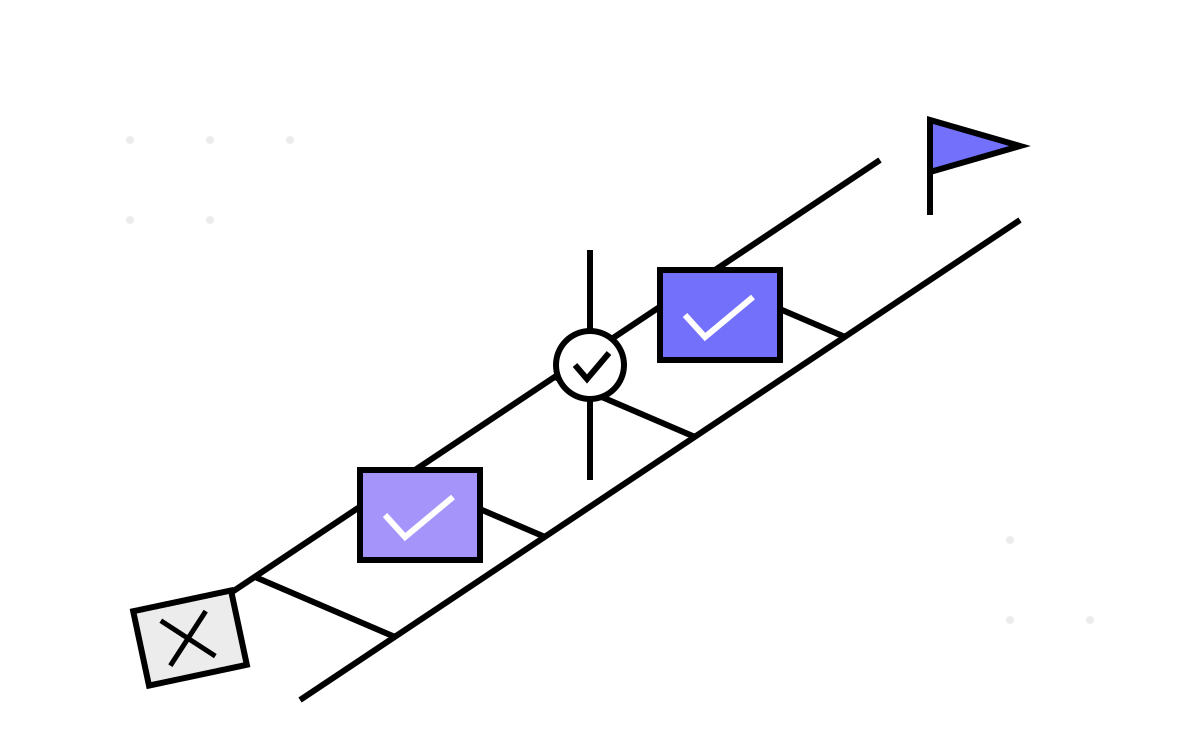
There is a moment in every Terraform review where someone approves a plan, the apply runs, and what actually happens is not what was in the plan — because between review and apply, the world moved. Most teams discover this gap the hard way. The estate in this series contained, side by side, both a pipeline design that has this gap and one that closes it — the same team, a few years apart on the maturity ladder. Comparing them is the most instructive thing in the whole codebase.
Part 3 covered where state lives; this part is about how a plan becomes an apply, and who gets to say so.
Generation 1: the operator console
Roughly every stack in the estate ran the same first-generation pipeline, and the first thing to understand about it is what it deliberately is not:
trigger: none    # no CI on commit
# no pr: block   # no validation on pull request
Continuous integration was switched off by design. This is not a pipeline that reacts to code; it is a parameterized job an operator runs on purpose. Two parameters define the whole interface:
parameters:
  - name: spokeSelection
    displayName: Environment
    type: string
    values: [dev, staging, prod]
  - name: terraformOperation
    displayName: Operation
    type: string
    values: [plan, apply, destroy]
Pick an environment, pick an operation, press run. The steps underneath are the canonical sequence — install a pinned Terraform version, init with backend values from the spoke's variables, select-or-create the workspace, validate, then the chosen operation:
steps:
  - task: TerraformInstaller@1
    inputs:
      terraformVersion: $(terraformVersion)
  - script: terraform init ...            # backend from spoke vars
  - script: terraform workspace select $(env) || terraform workspace new $(env)
  - script: terraform validate
  - script: terraform ${{ parameters.terraformOperation }} ...
Each run also checks out two pinned sibling repositories — the golden module code (“InfraModules” at a release tag) and the platform variables — so a deployment is a recorded combination of three refs, exactly as described in Part 1.
I want to be fair to this design before criticizing it, because “no CI” reads as negligence and here it was governance. In a regulated estate, nothing changes infrastructure except a human deliberately running a job with a named environment is a defensible control statement. Auditors understand it. The run history is a change log with a person attached to every entry.
What the console model actually costs
Three gaps, in ascending order of severity:
No PR validation. A pull request that breaks terraform validate merges cleanly and fails days later when an operator runs the console. The feedback loop that CI exists to shorten is simply absent — cheap to fix (a pr:-triggered validate-and-plan job changes no governance posture) and never fixed.
Approval means reading logs. The Gen 1 flow for a careful operator is: run plan, scroll the log, decide it looks right, then run apply as a second job. The plan output is a wall of text in a build log — no structured review, no required second pair of eyes.
Apply re-plans. This is the serious one. The apply run does not consume the plan the operator just read — it runs a fresh plan-and-apply at apply time. Between the reviewed plan and the apply, anything can change: a colleague's apply on a shared resource, portal drift, a module tag bump. What was reviewed is not provably what runs. Most days the two plans are identical. The design is judged by the day they are not.
Generation 2: plan-artifact promotion
The SQL blueprint stacks — the estate's most dangerous deployments, where a Managed Instance apply can genuinely run 4 to 12 hours — got a second-generation pipeline that closes that gap. Four stages:
1. Prepare checks out the platform variable repo and publishes it as a build artifact, freezing the exact configuration snapshot for every later stage.
2. Plan runs init -reconfigure, then:
- script: terraform plan -lock=false -out=./out.plan
- publish: $(System.DefaultWorkingDirectory)
  artifact: workspace        # the whole dir, minus .git and .terraform
The saved binary plan — not its textual rendering — is now an artifact.
3. Apply is a deployment job bound to an Azure DevOps Environment, which is where the human gate lives:
- deployment: apply
  environment: sql-prod        # approval configured on the Environment
  timeoutInMinutes: 1200       # SQL MI provisioning is measured in hours
  strategy:
    runOnce:
      deploy:
        steps:
          - download: current
            artifact: workspace
          - script: terraform init ...
          - script: terraform apply ./out.plan
terraform apply ./out.plan is the whole point of the architecture. The approver approved that file; the apply executes that file; if the world drifted in between, the apply fails rather than silently doing something new. Approval is no longer a vibe — it is a cryptographically checksummed artifact promotion. And because the approval is an ADO Environment, you get named approvers, timeout policies and an audit trail for free.
4. Destroy is its own gated stage: it runs only when an explicit destroy = 'Y' variable is set and its own Environment approval passes — destruction as a first-class, doubly-consented operation, not a parameter you might fat-finger. It finishes with a PowerShell cleanup step for imperatively-created artifacts Terraform cannot own, an honest admission that destroy does not always mean gone.
Two identities in one run
A subtlety both generations share: every run authenticates twice, as two different principals. The Azure DevOps service connection (one per environment) authenticates the pipeline tasks and the state backend. The provider, meanwhile, runs as the build agent's managed identity:
provider "azurerm" {
  features {}
  use_msi                    = true
  skip_provider_registration = true
}
So “what can this pipeline touch” is two questions: what the service connection can reach (state, mostly) and what the agent's MSI can create (resources). The agents themselves were self-hosted Windows pools — partly because glue modules shell out to PowerShell and az (Part 9's subject), partly because hosted agents cannot reach a SQL Managed Instance on a private network. Pet agents with powerful standing identities are the weakest link in this identity story; today I would push hard for OIDC workload identity federation instead, with short-lived tokens per run.
The honest gap list
What existed nowhere in the estate: tflint, tfsec/checkov, policy-as-code, cost estimation, drift detection, PR-triggered anything. Terraform itself was pinned at 0.13.6 in the templates — end-of-life — with 1.x adopted stack by stack.
The useful discipline is separating absent by governance choice from absent by neglect. No auto-apply-on-merge was a choice, and a defensible one. No linting, no secret scanning and no drift detection were not choices — they are free wins compatible with the strictest change control, and their absence just meant defects surfaced later and more expensively. If you inherit an estate like this, that separation is your roadmap: keep the gates, add the feedback.
The ladder, then: manual re-plan console → PR-validated console → plan-artifact promotion with gated environments — and the estate proves you can stand on two rungs at once while you climb. Promote the exact plan you approved; everything else is refinement.
Next, we leave the pipelines and meet the code that made this platform more than a pile of resource wrappers: Part 5, Stock Modules Give You Resources; Glue Modules Give You a Platform.