Secrets Before Configuration: Convey and Vault
How Convey's Vault package loads secrets into IConfiguration before the container exists, turns dynamic database credentials into ordinary config keys, and renews leases in the background - plus the secret-zero problem it cannot solve.
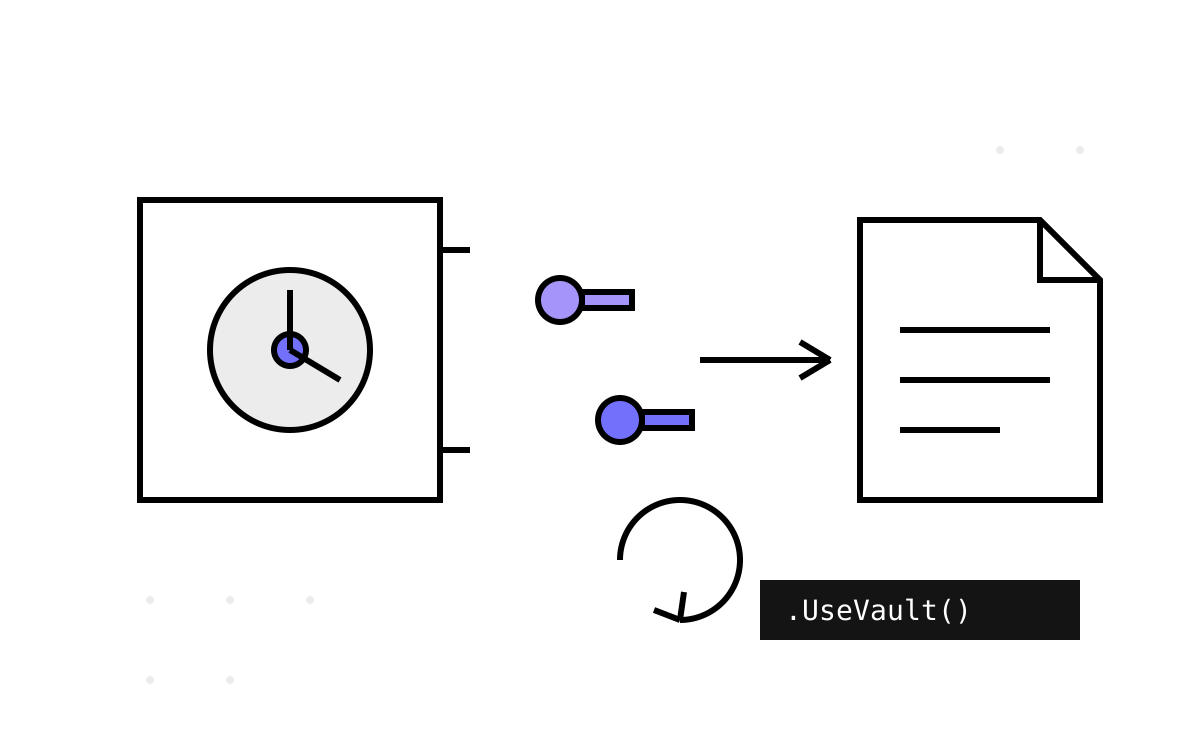
Every .NET service I have ever audited had a connection string in appsettings.json at some point in its git history. Somebody always means to move it to a vault “after the spike”, and the spike ships to production. Then a credential leaks, and rotation day arrives: forty services, forty config files, forty deployments, one very long evening.
The structural fix is to make secrets arrive through the same door as configuration — so that application code keeps reading IConfiguration and never learns where the values came from. That is exactly what Convey.Secrets.Vault, part of the open-source Convey toolkit from DevMentors, does with HashiCorp Vault. It is one of my favourite packages in the toolkit to read, because it solves three problems — static secrets, dynamic credentials, and PKI — with one small trick each.
The ordering trick: called last, runs first
In the Conveyor sample services, UseVault() is the last call in the host builder chain, which confuses people the first time they see it:
Host.CreateDefaultBuilder(args)
    .ConfigureWebHostDefaults(webBuilder => { /* AddConvey() chain */ })
    .UseLogging()
    .UseVault();   // last in the chain, first to matter
The position is irrelevant, because UseVault doesn't do its work in the chain — it registers work in the host's configuration phase:
// Convey.Secrets.Vault/Extensions.cs
public static IHostBuilder UseVault(this IHostBuilder builder, string keyValuePath = null,
    string sectionName = SectionName)
    => builder.ConfigureServices(services => services.AddVault(sectionName))
        .ConfigureAppConfiguration((ctx, cfg) =>
        {
            var options = cfg.Build().GetOptions<VaultOptions>(sectionName);
            if (!options.Enabled)
            {
                return;
            }

            cfg.AddVaultAsync(options, keyValuePath).GetAwaiter().GetResult();
        });
ConfigureAppConfiguration callbacks run while the host is still assembling IConfiguration — before the DI container is built, before any AddConvey() extension reads an options section. Note the two small sins committed in eight lines: cfg.Build() constructs a throwaway configuration just to read the "vault" section (you need config to know how to fetch config — a genuine chicken-and-egg), and .GetAwaiter().GetResult() blocks on async I/O because the configuration pipeline is synchronous. At startup, once, I can live with both.
Static secrets become ordinary config keys
The KV path is the bread and butter. The secret you store in Vault is just JSON, shaped like the configuration sections it should override:
{
  "mongo": { "connectionString": "mongodb://orders-svc:<password>@mongo-prod:27017" },
  "rabbitMq": { "password": "<broker-password>" }
}
At startup the package reads that secret, flattens the JSON into configuration key-value pairs (mongo:connectionString, rabbitMq:password), and appends them as a MemoryConfigurationSource — a layer that wins over appsettings.json for the same keys. Every other Convey package is oblivious. AddMongo() binds the "mongo" section exactly as it always did; the connection string just happens to be the one Vault served. That obliviousness is the entire design: the vault integration composes with thirty other packages by targeting the one thing they all share, the options-section convention.
The service side is configured in — where else — an options section:
"vault": {
  "enabled": true,
  "url": "http://vault:8200",
  "authType": "token",
  "token": "<vault-token>",
  "kv": {
    "enabled": true,
    "engineVersion": 2,
    "mountPoint": "kv",
    "path": "orders-service/settings"
  }
}
authType supports token and userpass; anything else throws a VaultAuthTypeNotSupportedException. KV engine v1 and v2 are both handled, with v2 the default — and the package validates the version instead of letting Vault return a cryptic 404, which anyone who has mistyped a KV mount will appreciate.
Dynamic credentials: leases as templates
The genuinely clever part is what happens when there is no password to store because Vault invents one per service instance. Vault's dynamic secrets engines (database, RabbitMQ, Azure, Consul, Active Directory — the package supports all five) mint short-lived credentials on demand. Convey maps them into configuration with a template mechanism:
"vault": {
  "lease": {
    "mongo": {
      "type": "database",
      "roleName": "orders-service",
      "enabled": true,
      "autoRenewal": true,
      "templates": {
        "connectionString": "mongodb://{{username}}:{{password}}@mongo-prod:27017"
      }
    }
  }
}
At startup the package calls the database secrets engine, receives a freshly minted username and password with a lease, substitutes them into the template, and writes the result to the configuration key mongo:connectionString. Again: AddMongo() has no idea. Your MongoDB user now did not exist two seconds before your service started, and Vault will drop it when the lease expires. Password rotation stops being a procedure and becomes a property of the system.
The lease key ("mongo") doubles as the config section prefix, which is the kind of small convention that makes the whole thing guessable once you have seen it once.
The static-singleton bridge and the renewal loop
Leases expire, so something must renew them. Here the package does something structurally interesting — and slightly uncomfortable. The work above happens during configuration, before the DI container exists, but renewal needs a long-running background service inside the container. Convey bridges the two worlds with static state:
// Convey.Secrets.Vault/Extensions.cs
private static readonly ILeaseService LeaseService = new LeaseService();
private static readonly ICertificatesService CertificatesService = new CertificatesService();
Lease data captured at config time is stashed in these process-wide singletons, which are then registered as instances into DI, where VaultHostedService — a plain BackgroundService — picks them up. Every renewalsInterval seconds (default 10) it scans all leases and renews any that would expire within two intervals, using Vault's lease-renewal API. On shutdown, if revokeLeaseOnShutdown is set, it explicitly revokes everything it holds — your database user disappears with your pod, which is a lovely property for incident forensics.
The same loop re-issues PKI certificates. If you enable the pki options block, the package asks Vault's PKI engine to issue an X.509 certificate at startup (optionally importing the private key), and the hosted service reissues it before expiry. Short-lived, auto-rotating service certificates with no cron jobs — I will come back to what you can do with them in part 18, when Convey's mTLS middleware needs certificates from somewhere.
What I would keep, and what I would watch
The design earns its place: secrets-as-config-layer composes perfectly with the options-section convention, and the lease templates are the best bridge between Vault dynamic secrets and .NET configuration I have seen in an OSS toolkit.
The honest list, from reading the source:
- Secret zero is still yours. The Vault token sits in
appsettings.jsonor an environment variable — the package moves forty secrets behind one secret, it does not eliminate the last one. In Kubernetes you would want Vault's own auth methods;tokenanduserpassare the only types this package speaks. - The configuration snapshot is frozen. KV secrets are read once into a
MemoryConfigurationSource. Rotate a static secret in Vault and running services keep the old value until restart. Dynamic leases renew — the same credentials — but nothing re-reads KV. - Unknown lease types are silently ignored. The
switchonlease.Typefalls through toTask.CompletedTaskfor a typo like"databse"— no exception, no log line, just a missing config key you will discover downstream. - Renewal failures are loud in the worst way. The renewal loop has no try/catch; one failed
RenewLeaseAsyncthrows out of theBackgroundService, and under .NET 6's defaultBackgroundServiceExceptionBehaviorthat stops the host. Arguably correct — dead credentials are coming anyway — but you should know your service's fate is coupled to Vault's availability at renewal time, not just at startup.
None of these are disqualifying; all of them are things I have had to explain to a team at least once. Next week: what happens when the secret in question is a signing key, and someone presses the logout button in a stateless JWT world.